Selling Motionblinds with Google Home
A practical guide for window covering specialists entering the smart home market
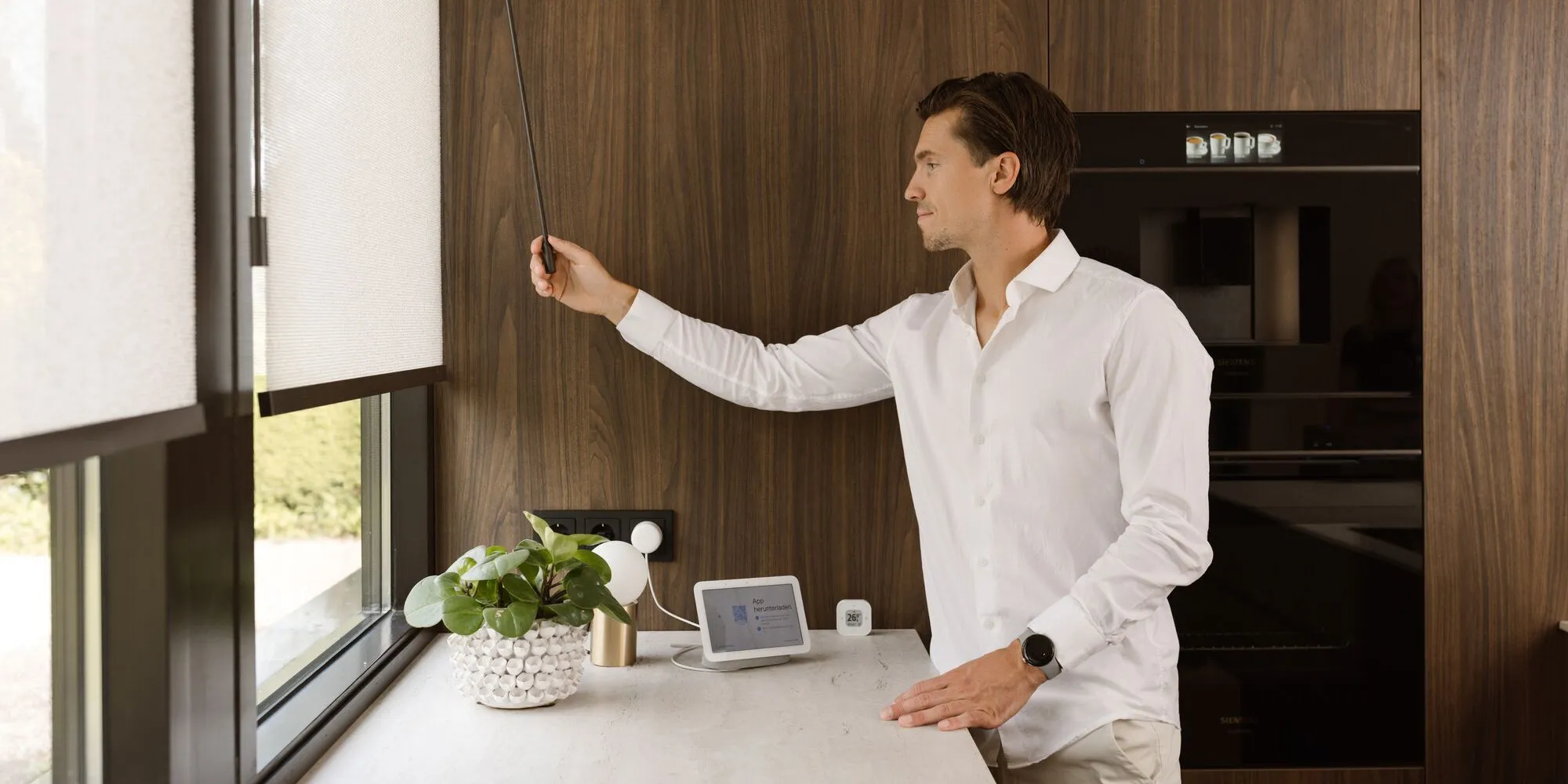
Smart home used to be a hobby for early adopters. Not anymore. Voice speakers, smart lighting, and connected thermostats now sit in millions of ordinary living rooms — and the people who own them are exactly the customers walking into your showroom. There is one part of the home that is still catching up, though: the windows. That gap is your opportunity.
And if words like “Matter,” “Thread,” and “Google Home” make you a little uneasy — relax. You do not need to become an IT specialist to sell smart blinds. This guide explains what smart home actually is, why Google Home is such a natural place to start, and how to turn all of that into confident conversations and bigger orders.
Smart home, in plain language
A “smart home” simply means devices that can be controlled from an app or by voice, and that can work together automatically. Lights that dim at sunset, a thermostat that turns down when everyone leaves, blinds that close when the afternoon sun hits the living room — all without anyone touching a switch.
To make different brands work together, a home needs a “platform” — think of it as the meeting point where all the devices talk to each other. The big ones are Google Home, Amazon Alexa, Apple Home, and Samsung SmartThings. Your customer usually already has one, often without realising it: if they own a Google speaker or a Google TV, they are likely on Google Home.
Two more words you will hear are Matter and Thread. You do not need the technical detail — just the headline. Matter is a shared industry standard that lets products from different brands connect reliably and securely. Thread is a low-power wireless network that lets battery devices, like blinds, run for a long time and respond instantly. Both are good news for you: they make setup simpler and connections more dependable than the smart home of a few years ago.
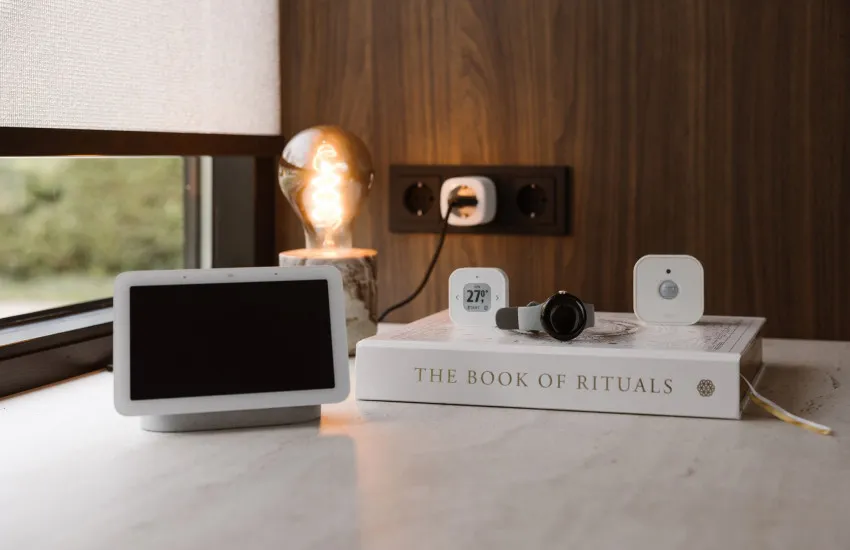
Why Google Home is an easy place to start
Of all the platforms, Google Home is one of the most approachable — both for a first-time smart home customer and for a first-time smart home reseller.
-
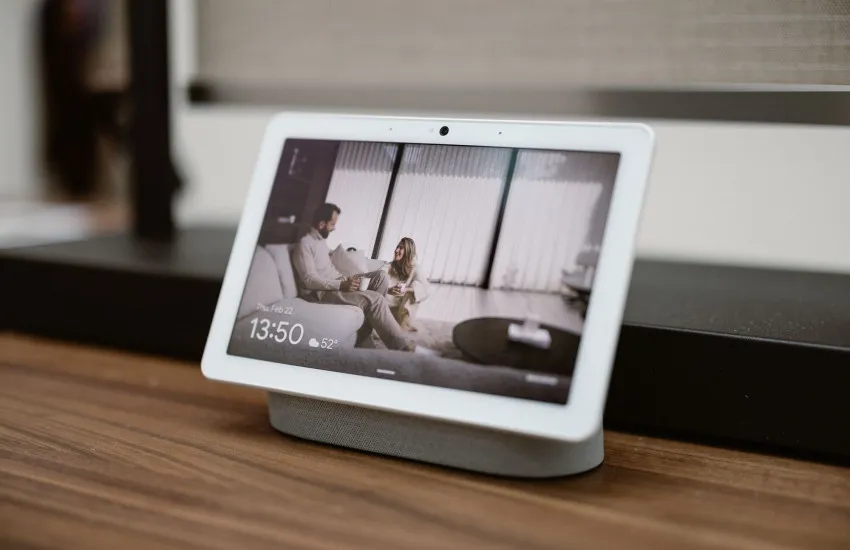
It is already in the house. Google Home runs on hardware people already own — Google Speakers, Nest Hubs, Google TV Streamers, even an Android phone. There is no extra purchase just to get started.
-
It is voice-first and familiar. Most people already say “Hey Google” to set a timer or play music. Adding “close the blinds” to that is a tiny step, not a new habit to learn.
-
It plays well with others. Because Google Home supports Matter, Motionblinds connects cleanly — and the same blinds can even work with a second platform later if the customer ever switches.
For you, that means most of your customers are already halfway there. You are not selling them a whole new system — you are adding the one thing their smart home is still missing.
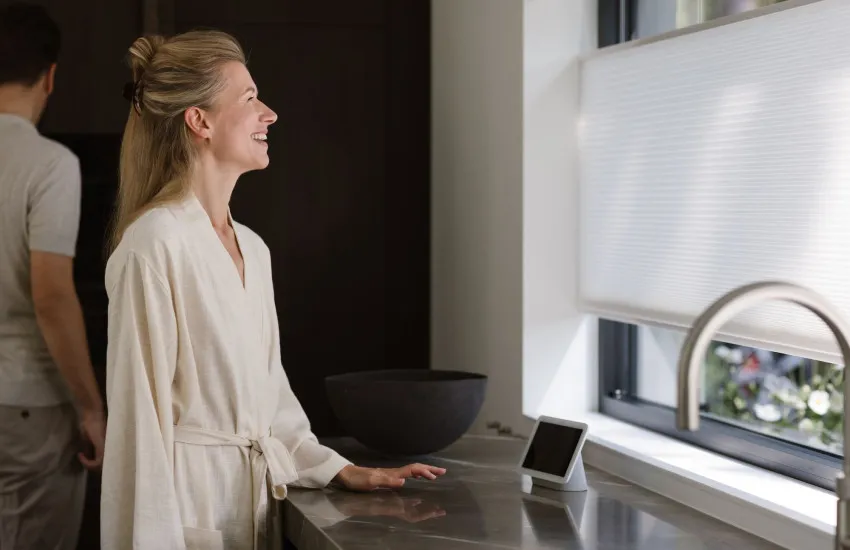
Why smart blinds are a smart move for your business
This is not just a nice extra for the customer. It is a genuine growth lever for a window covering specialist.
-
Higher order value. A motorized, connected blind is a premium product compared with a manual one — and customers happily pay for convenience they can see and hear.
-
Real differentiation. Few traditional specialists offer smart window covering with confidence. Doing it well sets you apart from the shop down the road.
-
Stickier customers. Once someone automates one room, they come back for the rest of the house. Smart home turns a one-off sale into an ongoing relationship.
-
A better story to tell. You are no longer selling “a blind.” You are selling comfort, energy savings, security, and the wow-factor of voice control.
-
Your past customers are warm leads. Because existing Motionblinds motors can join Google Home without being replaced, every installation you have ever done is a reason to call that customer back.
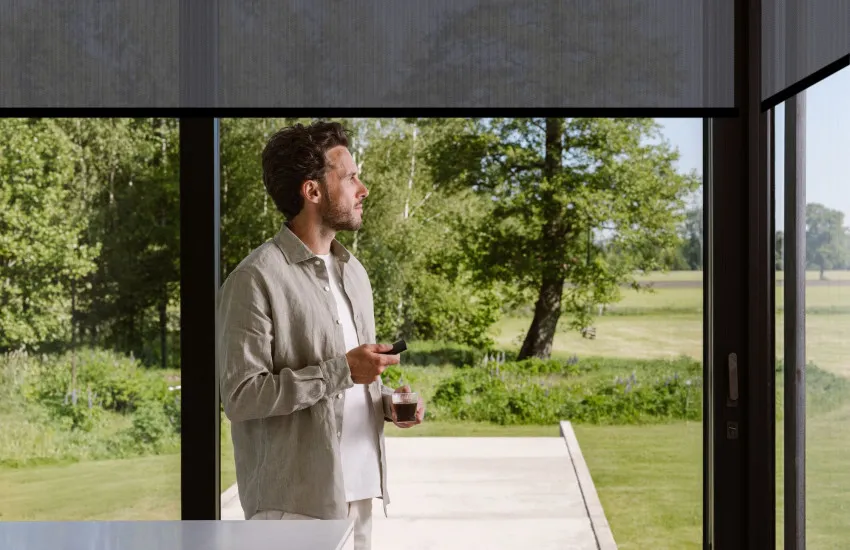
How Motionblinds fits into Google Home — the simple version
Here is the part your customers will ask about, in plain terms. Motionblinds connects to Google Home in three ways, and which one you recommend depends entirely on the customer’s situation.
-
New motors, cleanest setup — Eve Motionblinds. These motors have everything built in and connect straight to Google Home over Thread, using a Google device the customer likely already owns. No separate bridge needed. This is your go-to for new installations.
-
Standard motors, local control — the CM-55 Matter Wi-Fi Bridge. For standard Motionblinds motors with Bluetooth and 433 MHz radio technology, one small bridge brings them into Google Home with fast, local control that keeps working even if the internet drops. Nothing gets replaced — you simply add the bridge.
-
Existing motors, no new hardware — a CMD-01 or CM-20 Wi-Fi Bridge. If your customer already has Motionblinds motors on one of these Wi-Fi bridges, they connect to Google Home through a cloud link — with no new hardware at all. Ideal for going back to past customers.
The takeaway: whatever the customer already has — a new project, standard motors, or an older installation — there is a path in, and none of them means throwing away existing motors.

How to get started
You do not need to overhaul your showroom to enter this market. Start small and build confidence.
-
Set up one demo. A single motorized blind connected to a Google Nest Hub. Saying “Hey Google, close the blind” in front of a customer sells the idea better than any brochure.
-
Ask one question. “What do you already have at home?” The answer points you straight to the right of the three paths above.
-
Lean on the resources. Motionblinds provides setup guides, compatibility details, and support, so you are never on your own with a customer.
Smart home is not a threat to traditional blinds and shades — it is the next chapter of it. The specialists who start these conversations now will own the category as it grows.
Handling the questions you will hear
No. Setup is largely scan-a-code simple, and Motionblinds provides step-by-step guides and support. Start with one demo and you will feel at home quickly.
Almost always. Google Home runs on common Google devices, and Motionblinds has a path for new motors, standard motors, and existing installations alike.
The local paths — Eve Motionblinds over Thread and the CM-55 bridge — keep schedules and local control running. Voice through Google Assistant needs internet, just like any voice assistant.
For voice control and access from away, a Google hub helps — but many customers already own a Google Speaker, Nest Hub, or Google TV that does the job.
Related blogposts