Google Home
Works with Motionblinds
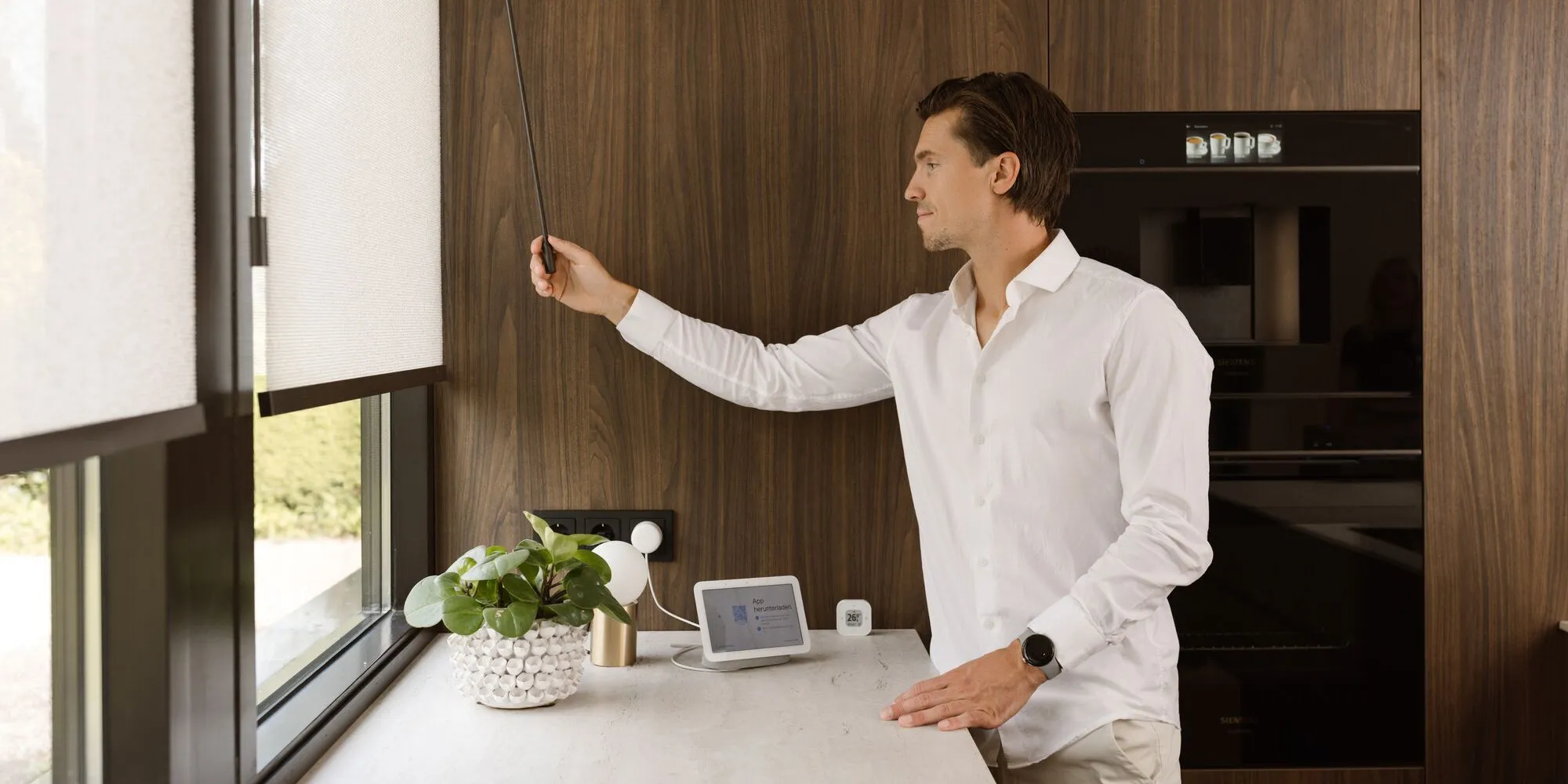
With Motionblinds and Google Home, you can control smart blinds and roller shades through the Google Home app or with voice commands to Google Assistant. Motorized window coverings provide comfort, privacy, and energy efficiency in your home, thanks to their simple, hands-free operation.
Motionblinds is a smart, motorized window covering system developed by Coulisse that is compatible with all leading smart home platforms and building management systems— discover them all here.
Motionblinds works with Google Home
Google Home is Google's smart home platform for managing lights, blinds, thermostats, sensors, and other connected devices. The platform is accessible via the Google Home app and is powered by Google Assistant. It offers voice control, smart routines, and support for Matter, enabling fast and secure local control. Google Home helps automate daily tasks and brings all your smart devices together in one simple interface.
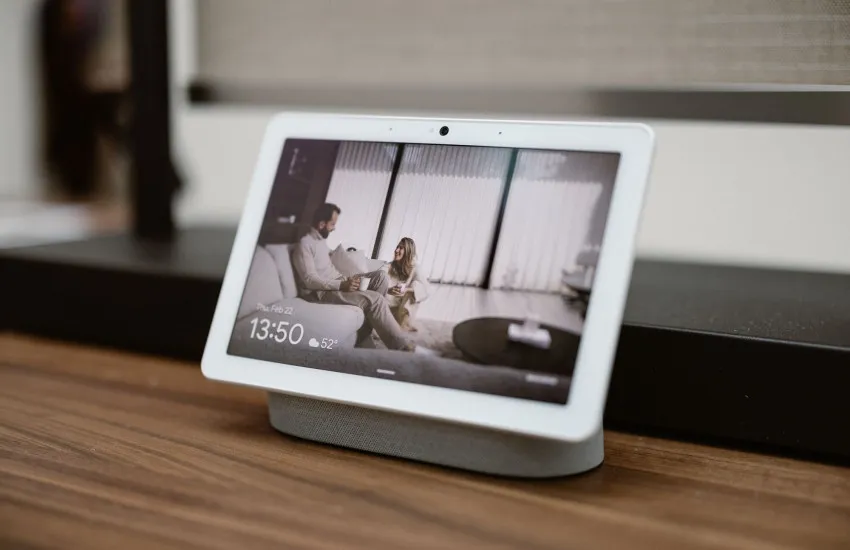
Matter and Thread Motors
Eve Motionblinds motors with built-in Matter and Thread functionality connect directly to Google Home via Thread edge routers, such as the Google Nest Hub and the Google TV Streamer. No Motionblinds bridge is required. Google Home communicates via the Thread network, allowing you to control your smart blinds quickly, locally, and reliably.
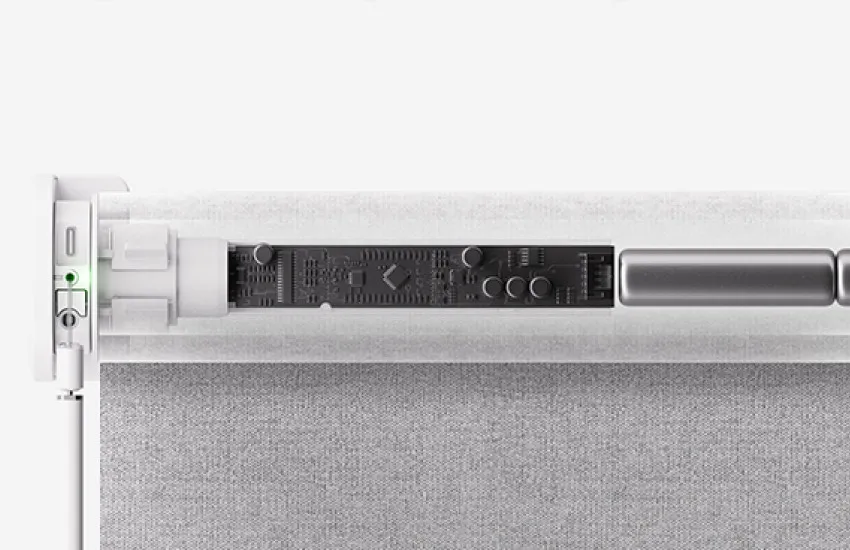
Matter and Wi-Fi bridges
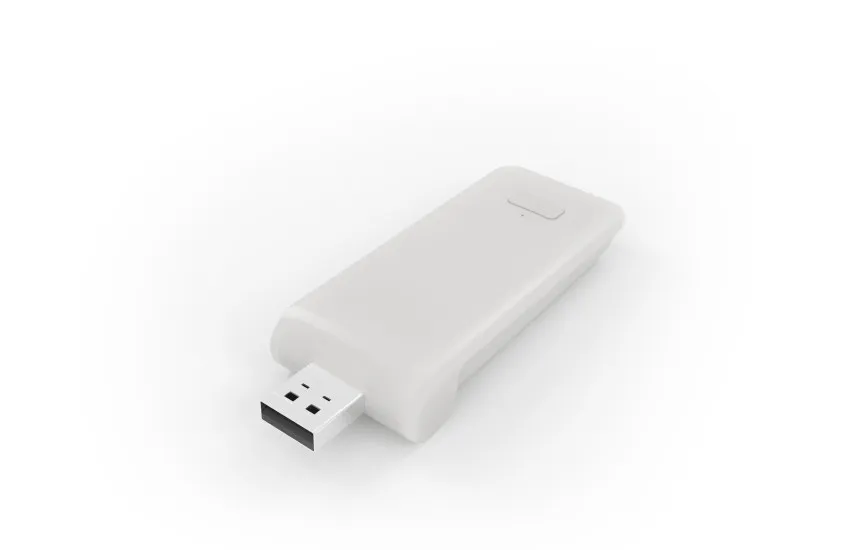
Motionblinds motors that use Bluetooth or 433 MHz can connect to Google Home via Motionblinds Matter Bridges. Setup is quick—simply scan a QR code—and requires no account or registration. The bridges operate entirely offline, so your blinds will continue to respond even without an internet connection. The Motionblinds app makes setup simple and reliable.
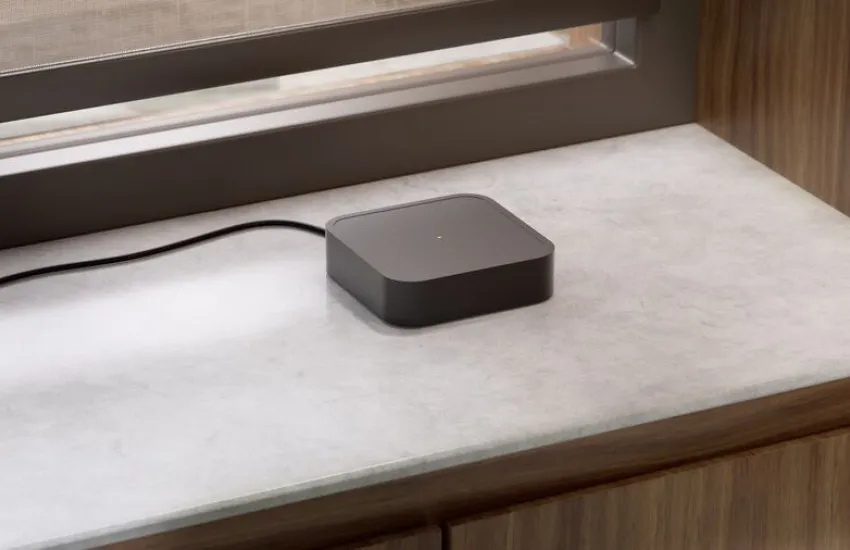
Cloud Connectivity and Wi-Fi Bridges
Motionblinds motors with built-in 433 MHz technology can be paired with Motionblinds Wi-Fi bridges (CMD-01 and CM-20) for control via Google Home. After you’ve linked Motionblinds in the Google Home app, you can control your blinds through a secure cloud-to-cloud integration. This provides a simple solution for homes with existing Motionblinds motors.
Google Home - Frequently Asked Questions
You can connect Eve Motionblinds with Matter and Thread directly by scanning the Matter QR code . For Bluetooth and 433 MHz motors, depending on your setup, you’ll need either a Motionblinds Matter Bridge or a Wi-Fi Bridge. Once they’ve been added, your smart blinds will appear in the Google Home app . Learn more about Matter
Yes. You can use commands such as “Hey Google, open the blinds ,” “Close the blinds , ” or “Set the blinds to 50% .” Google Assistant supports voice control for individual blinds, rooms, and groups.
For Eve Motionblinds with Matter and Thread support,, no Motionblinds bridge is required, but they do need a Threadborder router, such as a Google Nest Hub. Motors with Bluetooth and 433 MHz require a Matter bridge or Wi-Fi bridge to work with Google Home.
This can happen if the device is not in pairing mode , the QR code was not scanned correctly, or if your Thread/Wi-Fi network is offline. You can usually resolve the issue by resetting the motor or bridge and checking to see if your router is online . Visit the Motionblinds Support Center for more detailed answers to your questions.
Check the connection to your Thread router or Wi-Fi connection, make sure the motor or bridge is powered on and within range , and resync your devices in the Google Home app . Restarting devices with Google Assistant can also help get them working again. Go to the Help Center
Yes. You can group blinds by room or assign multiple blinds to the same routine so that they move in sync.
Motionblinds motors with Eve technology support the Matter and Thread standards for direct integration. Other Motionblinds motors can be added via a Matter bridge or a Wi-Fi bridge.
Google Assistant supports percentage-based controls . Just say , “Hey Google, set the blinds to 50%,” to adjust your blinds to any position you want.
