Easy to use smart blinds
Smart living made simple
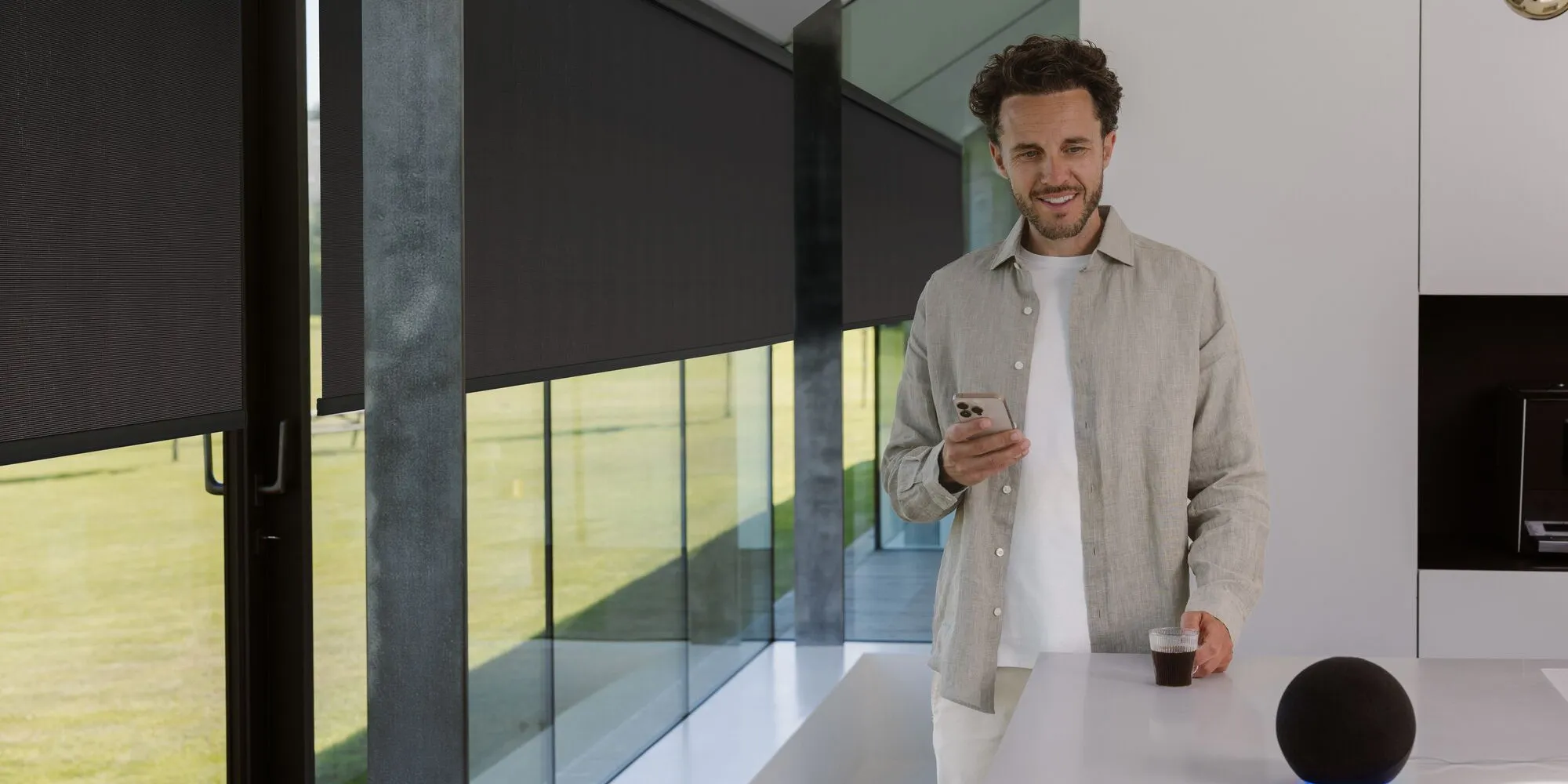
With Motionblinds, smart shading becomes effortless. Our smart blinds are designed for straightforward installation, intuitive setup, and reliable daily use. Mount the blinds, scan the setup code, and they are ready to go. No accounts, hubs, or extra devices required. Smart living, made simple.
So easy
Seamless set up. Smart control.
Cable-free installation.
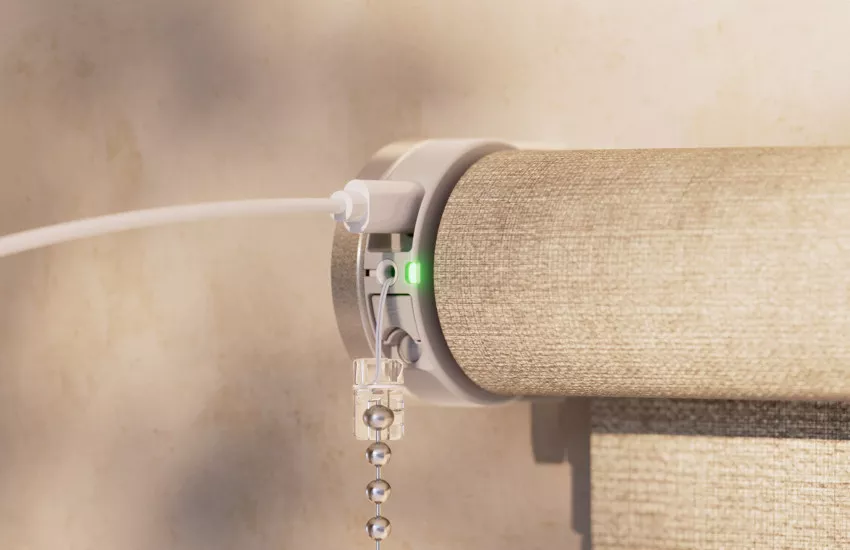
Experience easy installation with Motionblinds battery motors. Each motor features a built-in USB-C rechargeable battery, removing the need for wiring or external power connections. Simply mount, charge, and connect. Setup takes only a minute and requires no special tools or electrical work.
Cable-free Motionblinds motors are ideal for smart homes, offices, and retrofit projects where a clean, flexible setup is essential. For large-scale buildings or commercial projects, hardwired options are also available.
Simple setup. Scan, connect, control.
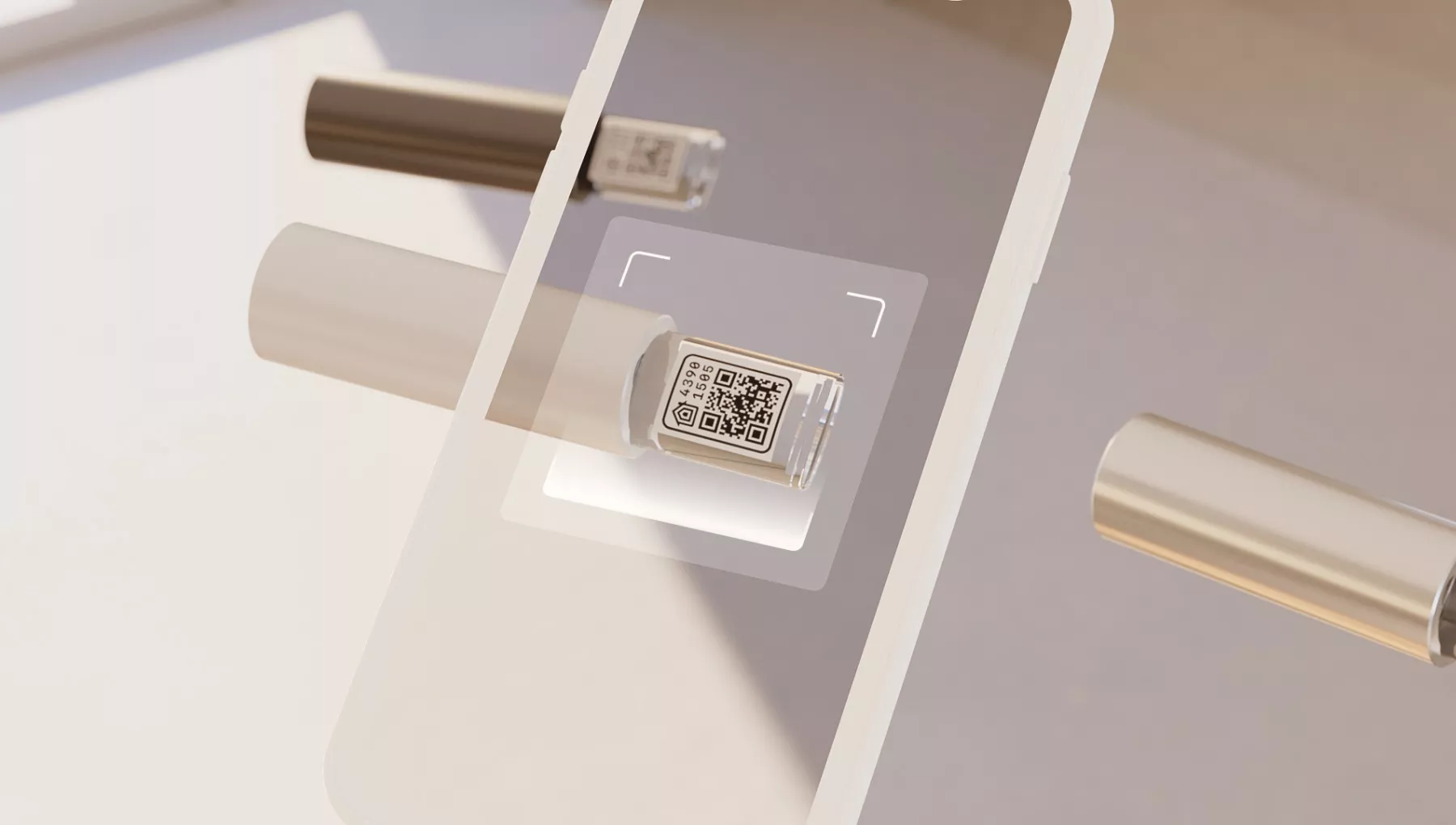
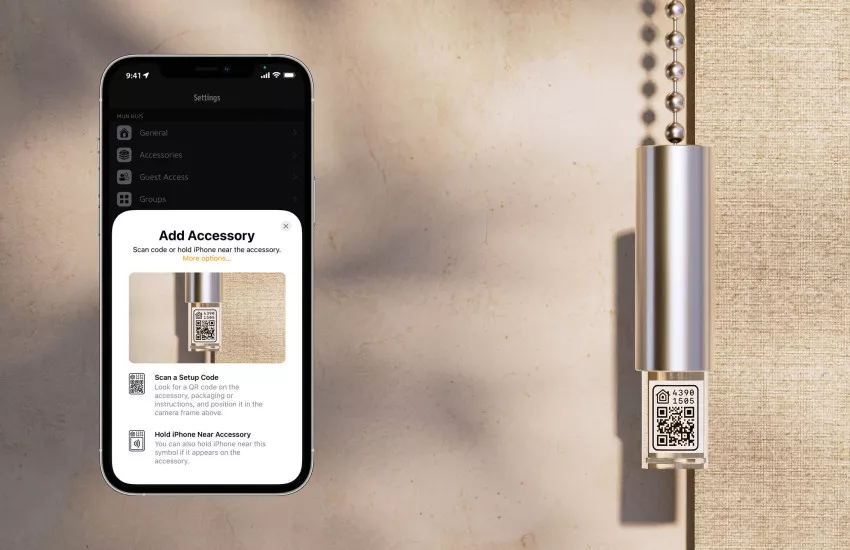
Getting started with Motionblinds takes only a moment. Each motor includes a unique setup code that can be scanned directly with your smartphone to connect the blinds to your app. The pairing process is fast and secure. Scan the code, follow the short steps in the app, and your blinds are ready to use.
For those who prefer a completely device-free approach, Motionblinds motors also allow manual setup and programming directly on the motor itself using the physical program buttons.
Control options.
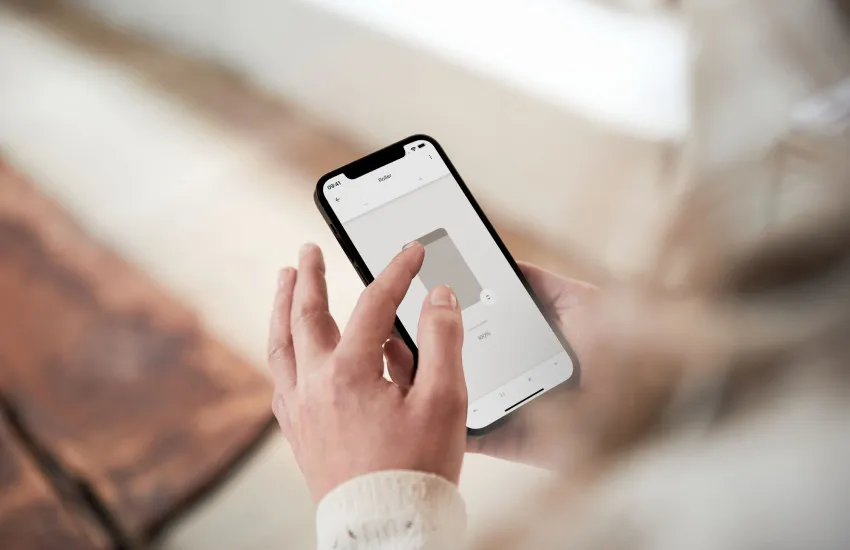
Motionblinds gives you full control over how your blinds move and respond. Set the exact position and speed of each blind using intuitive, user-friendly controls. Operate your blinds by app and create personalized timers for different blinds. Whether by app, voice, remote, or manual pull, Motionblinds offers flexibility.
Motionblinds motors feature advanced two-way communication, ensuring you always have up-to-date information about your blinds. The exact position of each blind and the battery status are displayed in real time within the app. As a result, you can monitor and adjust your blinds with confidence, knowing you have full visibility and control at any moment.
Smart home connectivity.
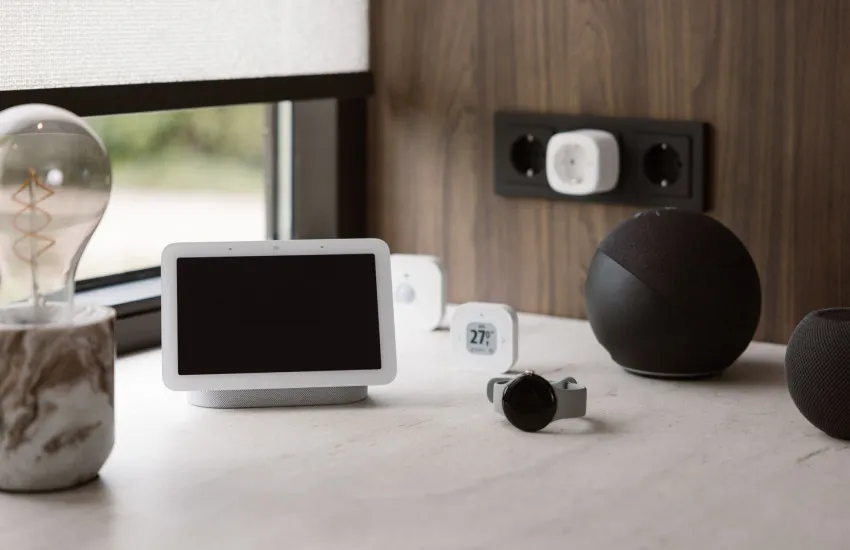
Motionblinds connects easily and securely with your preferred smart home platform. Control and automate your blinds through Google Home, Apple Home, Amazon Alexa, Samsung SmartThings, and Home Assistant — all via Matter for a reliable and future-ready connection.
Our motors integrate smoothly with other smart devices in your home or building. Coordinate lighting, temperature, and shading to create comfortable, energy-efficient spaces that adapt to your routine. With Motionblinds, connectivity is designed to be simple, secure, and built to last.
Frequently asked questions
Motionblinds use built-in USB-C rechargeable batteries, allowing cable-free installation without wiring. They are designed for both residential and commercial spaces, providing reliable performance and easy maintenance.
Cable-free Motionblinds eliminate the need for complex electrical work, making installation quick and clean. They can be mounted almost anywhere, ideal for retrofit projects or locations without nearby power outlets.
Simply mount the blind with built-in battery-powered motor onto your window frame or wall using the included brackets. Connect via USB-C for initial charging and pair with your smartphone or remote.
Yes. Motionblinds are portable and can be removed, relocated, and reinstalled in a new home or office without professional help. Their battery-powered, bracket-based design makes this process simple.
Scan the QR code on the blinds using your smartphone. The app automatically pairs the device and guides you through the setup, including calibration and adding the blinds to your smart home network.
Yes. Motionblinds allow account-free setup and control. You can use the app, remote, or manual controls without registering or sharing personal information online.
Pair your blinds directly via Bluetooth in the Motionblinds app. This allows local control, programming of positions and speed, and automation with timers without relying on Wi-Fi or cloud services.
Multiple Motionblinds motors can be paired in a single home. The exact number depends on your app or bridge configuration, but users can control several blinds simultaneously or individually.
Motionblinds can be controlled via the official app, smart home apps, compatible remote controls, or manual pull. This gives users flexibility to choose the method that best fits their preferences.
Through the app, you can set the exact position of each blind and adjust motor speed. Manual overrides are also possible if you prefer direct control.
Yes. Manual control is always available alongside automation. You can adjust blinds locally even if a schedule or smart home automation is active.
Use the Motionblinds Bridge to connect your blinds to the cloud or your local smart home network. This allows remote operation from anywhere in the world via your smartphone.
Yes. Motionblinds supports all major smart home platforms, including Google Home, Apple Home, Amazon Alexa and Samsung SmartThings, allowing seamless integration and control through Matter.
Motionblinds works with Matter in various ways.
Eve Motionblinds motors with built-in Matter and Thread
These motors come with native Matter support and do not require a Motionblinds bridge. Simply scan the Matter QR code in your smart home app to add the motor to your smart home app.
Motionblinds Matter bridge
Have Motionblinds motors with built-in Bluetooth and 433 MHz radio technology? You can connect them to Matter using the Motionblinds Matter bridge. Install via the bridge app, then add the bridge to your smart home app using the Matter setup code.