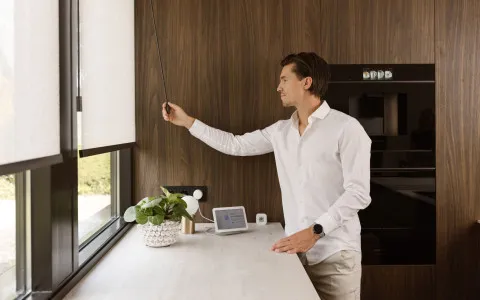
Which Smart Blinds Are Easiest to Install?
No hardwiring. No electrician. No account required. Here's what genuinely easy installation looks like.

Read this within a minute
What's the news?
- The biggest friction points in smart blind installation — electrical wiring and complex programming — have been eliminated in modern wireless motors
- Motionblinds USB-C rechargeable motors require no hardwiring, no specialist tools, and no account for basic setup; the Motionblinds Upgrade Kit means you may not even need to buy new blinds
- Matter has simplified smart home pairing to a single QR code scan — replacing the multi-step bridge configurations that made earlier smart blind setup unnecessarily complicated
What you need to know
- Motionblinds wireless motors charge via USB-C and clip into most standard blind hardware — no electrical installation required
- A pull-and-program button on the motor sets end limits directly — no app needed for basic commissioning
- A QR code on the manual pull gives instant access to motor settings without hunting for documentation
- The Motionblinds Upgrade Kit retrofits most standard roller blind tubes — motorizing blinds you already own without replacing them
- For smart home integration, the Motionblinds Matter Wi-Fi Bridge pairs to Apple Home, Google Home, Amazon Alexa, Samsung SmartThings, and Home Assistant via a standard Matter QR code scan
- Eve Motionblinds has Matter and Thread built directly into the motor — no separate Bridge device needed — for the simplest possible path to a Thread-based smart home
- Basic Bluetooth use requires no account — the Motionblinds app works out of the box
Key takeaways
- Easy installation comes down to three things: no hardwiring, a simple physical fitting process, and straightforward smart home pairing. Motionblinds wireless motors clear all three bars — and the Upgrade Kit adds a fourth advantage that almost no other brand can match: the ability to motorize blinds you already own.
- For anyone asking which smart blinds are easiest to install, the Motionblinds answer is specific and practical: USB-C charging, a pull-and-program button, a QR code for instant access, and Matter onboarding that takes a few minutes rather than an evening.
Why installation became the deciding factor
Smart blinds earned a reputation for complexity that took years to shake. Early systems required hardwiring, specialist remote programming, and often a return visit from the installer to adjust limit positions. For most homeowners, that was enough to make motorization feel out of reach.
The shift happened in two stages. First, battery motors became capable enough to replace wired ones for most residential applications — eliminating the electrician from the equation entirely. Then app-based programming replaced handset pairing sequences, and Matter replaced brand-specific bridge configurations. The result is a category where installation has become genuinely straightforward — but only for brands that made DIY the design priority, not an afterthought.
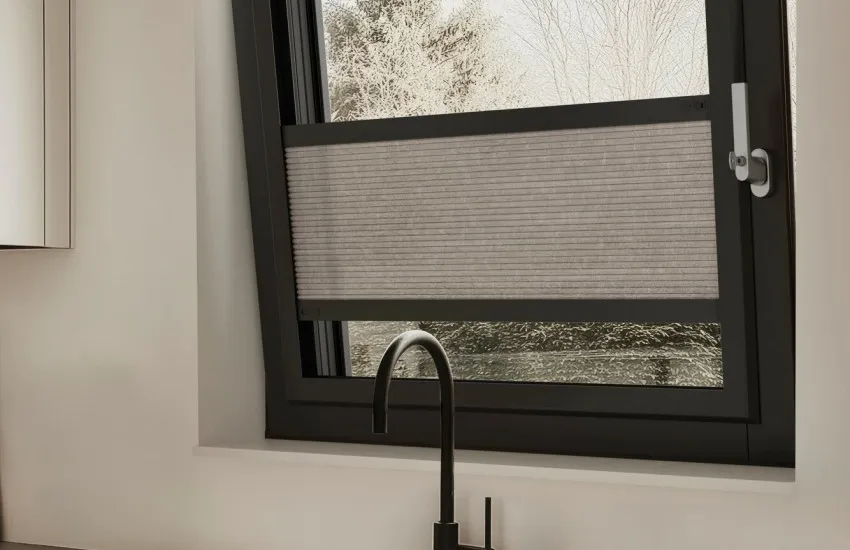
The Motionblinds installation experience — step by step
The physical installation starts with brackets. Motionblinds brackets fit most standard window frames and require no specialist hardware. The motor slots into the blind tube — or into the Motionblinds Upgrade Kit tube if you're retrofitting — and end limits are set using the pull-and-program button directly on the motor. No app, no account, no calibration wizard. Pull to the desired positions, press to confirm.
For anyone who wants to understand the motor settings in more detail, a QR code printed on the manual pull cord gives instant access to the relevant documentation — no searching through packaging or PDFs.
Battery charging is USB-C. The same cable used for most modern phones and laptops works here. Typical recharging frequency is a few times per year. For south-facing windows or high-use rooms, a compatible solar panel extends battery life further — in well-lit rooms, recharging can become near-zero.
The app step is optional for basic use. Bluetooth control via the Motionblinds app requires no account — download, open, and the motor appears. Up to 3 timers per motor can be programmed and stored locally in the motor, running independently of the app or internet once set.
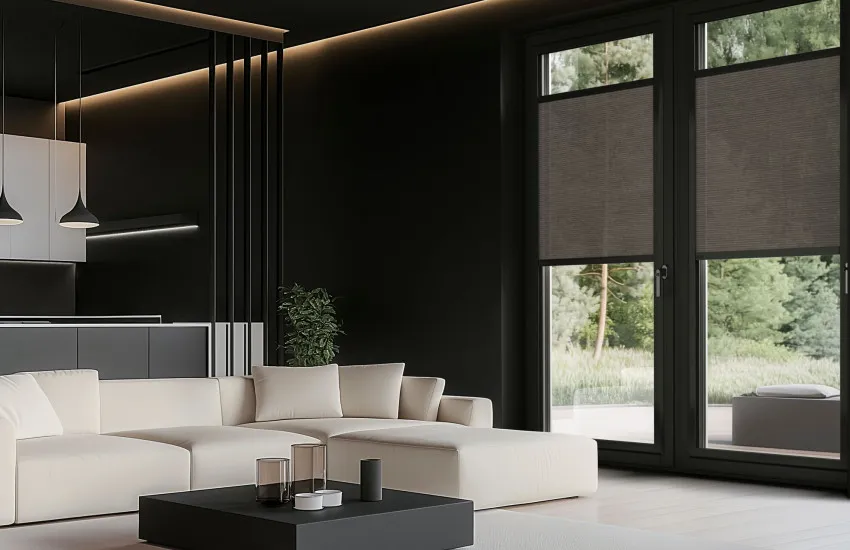
Adding smart home integration: what it takes
For homeowners who want to go further — remote access, voice control, and integration with Apple Home, Google Home, Amazon Alexa, Samsung SmartThings, or Home Assistant — the Motionblinds Matter Wi-Fi Bridge adds that capability to any standard Motionblinds motor.
The Bridge setup uses Matter's standard onboarding process. Open your preferred platform's app — Apple Home, Google Home, or whichever you use — scan the QR code on the Bridge, and your blinds appear as Matter devices. No secondary Motionblinds account is required for this step beyond what the platform itself needs.
For those who want the simplest possible path to a full smart home — no Bridge device, no additional hardware on the shelf — Eve Motionblinds has Matter and Thread built directly into the motor. Thread is a low-power local mesh protocol: faster response times, longer battery life, and local control that continues during internet outages. The only additional requirement is a compatible smart home hub acting as a Thread border router, which any modern Apple HomePod, Google Nest Hub, or Amazon Echo with Thread support fulfills.
The full connectivity comparison — Bluetooth, Bridge, and Eve — is at motionblinds.com/blog/smart-window-coverings-compared-motionblinds-bluetooth-vs-bridge-vs-eve.
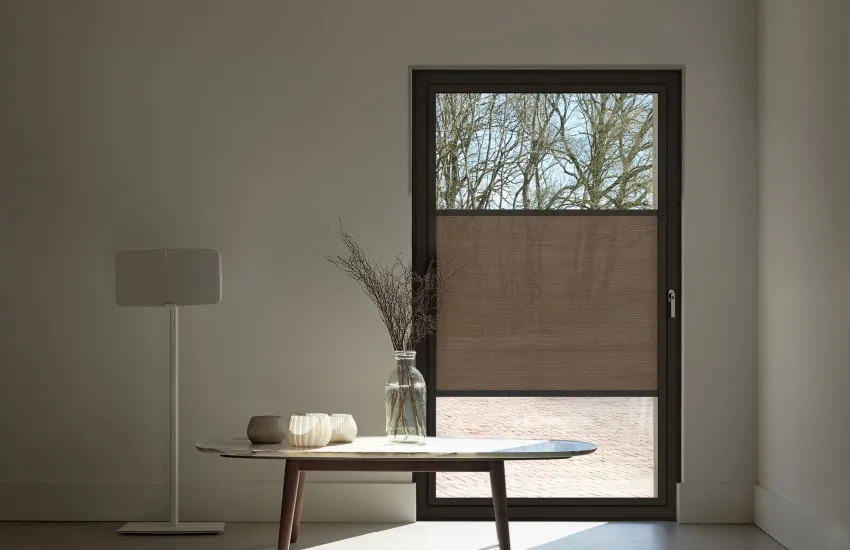
The Upgrade Kit: the installation advantage most brands can't offer
The Motionblinds Upgrade Kit deserves specific attention in any installation ease conversation. Most smart blind discussions assume you're buying new blinds. The Upgrade Kit changes that assumption: it retrofits most standard roller blind tubes, meaning the blinds already on your windows can become smart blinds without replacement.
That removes a significant cost and effort barrier. You don't need to measure, order, and wait for new blinds. You don't need to remove and dispose of what you already have. Fit the motor into the existing tube, run through the pull-and-program setup, and you're done. For homeowners with existing roller blinds they're happy with, this is the easiest installation path in the market.
FAQ - Which Smart Blinds Are Easiest to Install?
Motionblinds wireless motors are designed specifically for DIY installation. They charge via USB-C, require no hardwiring, and set end limits via a pull-and-program button — no app or account needed for basic setup. For existing roller blinds, the Motionblinds Upgrade Kit adds motorization without buying new blinds.
No. Motionblinds USB-C rechargeable motors are completely cable-free. No wiring, no electrical installation, and no electrician are needed. Brackets fit most standard window frames with standard fixings.
Yes — for roller blinds. The Motionblinds Upgrade Kit retrofits most standard roller blind tubes, so you can add motorization to blinds you already own without purchasing new ones. This is one of the most practical entry points into smart blind motorization.
No — for basic Bluetooth control via the Motionblinds app, no account is required. An account is needed when setting up remote access and smart home integration via the Motionblinds Matter Wi-Fi Bridge.
Via Matter. The Motionblinds Matter Wi-Fi Bridge pairs to Apple Home using a standard Matter QR code scan from within the Apple Home app. Eve Motionblinds connects directly via Matter-over-Thread using the same onboarding process.
It is a button on the motor itself that sets the upper and lower end limits for the blind's travel — without needing the app. Pull the blind to each desired limit position and press to confirm. It also provides manual override for the motor at any time.
Physical installation and limit setting typically takes under 30 minutes for a single blind. Adding smart home integration via the Motionblinds Matter Wi-Fi Bridge or Eve Motionblinds brings that to 30–60 minutes total, including Matter onboarding.
Eve Motionblinds is a motor with Matter and Thread built in — no separate Motionblinds Bridge device is needed. Setup follows the same Matter QR code onboarding process, but directly through your smart home platform. A compatible smart home hub acting as a Thread border router is required — already present in most modern smart home setups via Apple HomePod, Google Nest Hub, or Amazon Echo with Thread. It is not harder to set up; for Thread users it is the simpler path.
Related blogposts