Eve Motionblinds with Apple HomeKit technology
Connect and use Apple HomeKit: smart blinds couldn't be easier!
Read this within a minute
What’s the news?
- This article explains how Motionblinds motors with built-in Eve technology integrate directly with Apple HomeKit. It outlines how users can control blinds securely within the Apple ecosystem without requiring an additional bridge.
What you need to know
- Built-in Eve technology: Motors connect directly to Apple Home via Thread. No separate bridge is required for HomeKit control.
- Apple Home integration: Blinds can be controlled using the Apple Home app and Siri. Limited to Apple devices and iOS environments.
- Thread protocol: Uses a low-power, mesh-based wireless network for stable and local communication. Requires a compatible Apple Home hub.
- Adaptive Shading: Automatically adjusts blinds based on sunlight position. Available only within the Apple ecosystem.
- Local control: Communication remains within the home network, enhancing privacy and response speed. Remote access depends on an Apple Home hub.
Key takeaways
- Eve Motionblinds are designed for users fully invested in the Apple ecosystem. They provide direct, local integration without additional hardware.
- This solution is relevant for homeowners and installers prioritizing Apple Home compatibility, privacy, and simplified setup within a single smart home platform.
This is everything you need to know to set up and control Eve Motionblinds with Apple HomeKit technology. Discover the easiest way to connect our Eve Motionblinds wireless motor to Apple’s smart home platform HomeKit and the most convenient way to use it in your smart home. Let's start with the advantages of using Apple HomeKit. Smart blinds in your home couldn’t be easier!
Benefits of using Eve Motionblinds with Apple HomeKit:
- Easy setup by just scanning a QR code directly from your iPhone.
- Runs on an USB-C integrated battery.
- No smart bridge is required for installation, the blinds connect via Bluetooth and Thread.
- Connective with seamless and secure interaction with other HomeKit-certified accessories, for example a light bulb and thermostat.
- 100% privacy - no registration, no tracking. All data is stored locally on the motor, which means data exchanged in the home stays in the home.
- Eve Motionblinds smart blinds and shades supports Thread, the new wireless protocol already in the HomePod mini, and Apple TV 4K (2nd Gen.).
- Eve Motionblinds is part of the smart home system and automatically interacts with other smart devices to create the right ambiance, safety, and comfort 24/7.
- Increases energy efficiency by regulating indoor temperatures.
How to set up Eve Motionblinds with Apple HomeKit
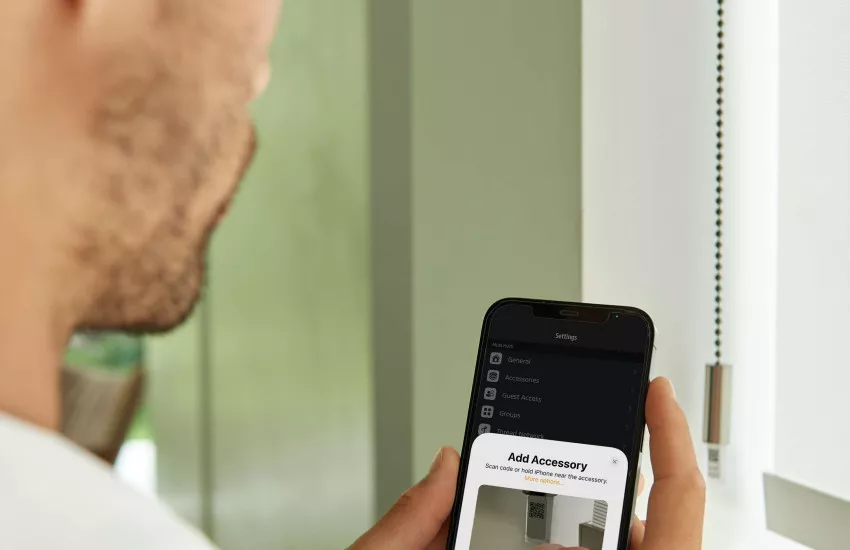
It's extremely easy to connect to Apple HomeKit. Smart blinds can be set up in a minute. Just follow these simple steps:
- Open the Apple Home app on your iPhone, iPad, or Apple Watch.
- Click on the plus sign and choose 'Add accessory'.
- Scan the set-up code attached to the operating system (wand or tassle) on the side of the Eve Motionblinds
- Hey presto – all done. It’s that simple!
Tip: Repeat these steps with every window covering in your home that you want added to your HomeKit app.
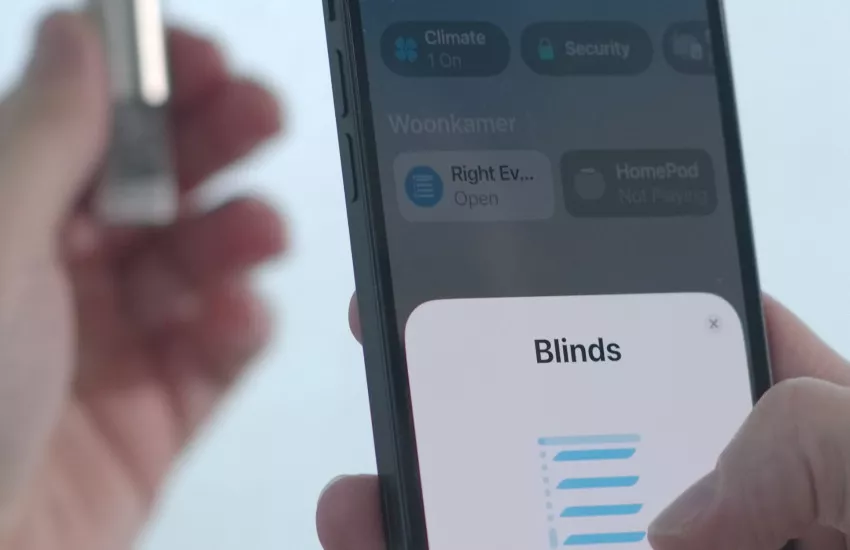
Operate Eve Motionblinds with Apple Home App
There are several ways that you can operate smart blinds and shades powered by Eve Motionblinds with Apple HomeKit:
Set scenes
Once you have set up the blinds on the Apple Home app, you can start to control them. Just click on one of your smart blinds and swipe your finger to a certain percentage or click on one of your scenes. The pre-set actions will start immediately. You can also add timers to automate your smart shades and blinds. After this, everything is automatic. Make your home seem inhabited when you are on holiday or close at a certain temperature to help save energy.
Voice control
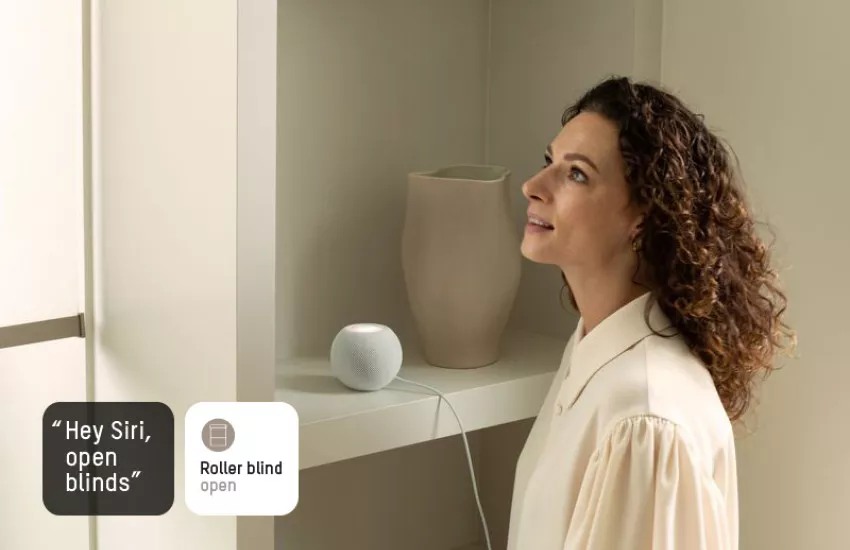
Use the smart assistant, Siri, to control your smart blinds and shades in your home with voice commands. For example, just say “Hey Siri, open blinds” and your smart blinds will raise up. You can also make your smart roller blinds be part of your smart scenes. For example, by saying "Hey Siri, good morning" the lights in your house will switch on, your heating will turn up and your Eve Motionblinds will raise automatically.
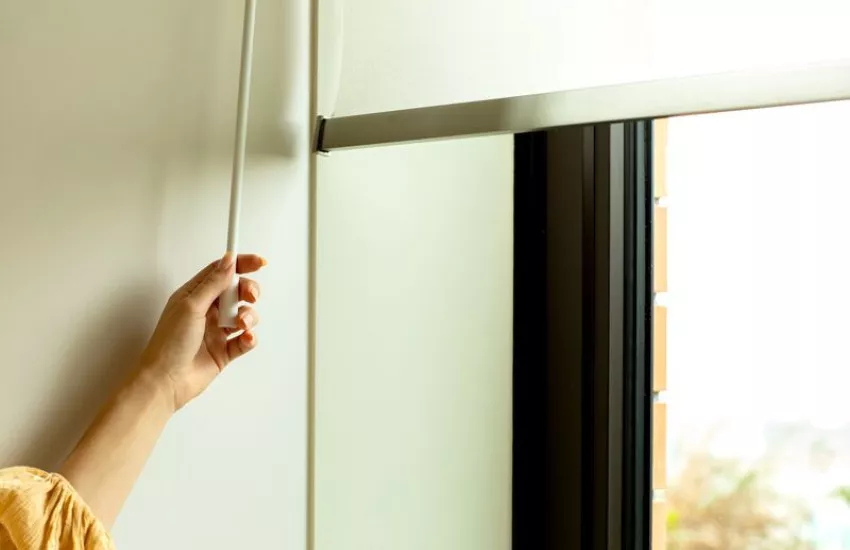
Pull control
As an added bonus, Eve Motionblinds has a special pull feature. This means that you can control your Eve Motionblinds at any time of the day. Imagine your internet connection falls out or a visitor in your home wants to open smart blinds manual, then the pull feature operating system can be used. In just one single tug Eve Motionblinds can open or close. No other smart blinds or smart shades have this manual option.
Made-to-measure and Retrofit
We have a variety of made-to-measure options for custom-made blinds including roller, double roller, honeycomb, venetian and roman. Also, an Upgrade Kit to make existing roller blinds smart. Eve Motionblinds offers endless possibilities to make homes and buildings around the world smart, energy-efficient, safe and comfortable.
Eve Motionblinds motors with Thread
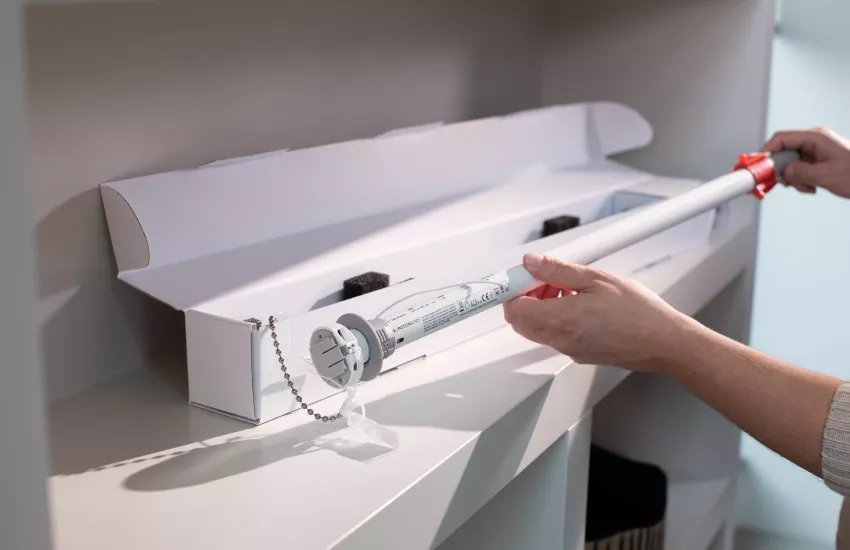
Eve Motionblinds motors are the first in the market to include the new smart home connectivity standard Thread, which is the protocol used by Apple HomeKit and complements Bluetooth. Thread is the new standard in home networking and is needed to also work with the new future-proof protocol Matter.
Future-proof smart blinds with Matter
Eve Motionblinds motors are designed to support Matter, which means that every family member can connect to their preferred smartphone or voice assistant. With Matter you can connect to any smart home system, so not only Apple Home but also Amazon Alexa, Google Home, Samsung SmartThings and many others. Set autopilot schedules or let your smart devices talk to each other to create the best smart living environment.
Need help?
If you need help connecting or using Eve Motionblinds with Apple HomeKit technology, then please click here.
Related blogposts