Upgrade to Matter
How to upgrade Eve Motionblinds to Matter.
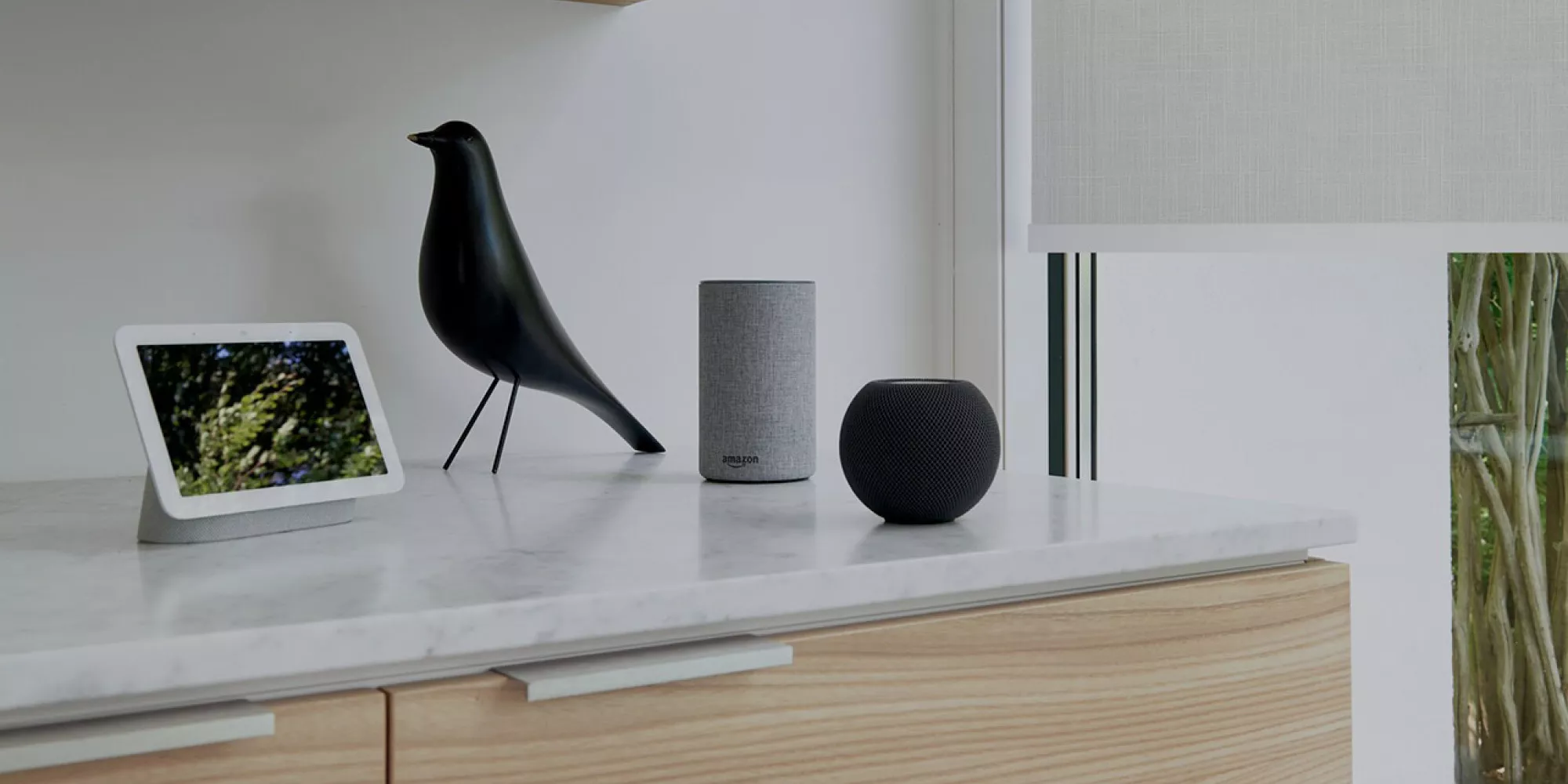
Matter, the new standard for smart home devices is here – and Eve Motionblinds motors are ready for you to upgrade! If you have purchased Thread-enabled Eve Motionblinds in the past that work with Apple HomeKit, and want to leverage Matter to use your Eve Motionblinds from an additional smart home platform, you're eligible for a free firmware upgrade.
Please note
Once you've upgraded your motor to Matter, you can't migrate it back to HomeKit, and Eve Motionblinds will no longer support Bluetooth. Upgrading to Matter is particularly worthwhile if you want to control your Eve Motionblinds from an additional platform such as Google Home, SmartThings, or Alexa. This requires a Matter controller of this platform.
How to upgrade Eve Motionblinds
Requirements
Check out the system requirements
Data migration
Migrate from HomeKit to Matter
Matter controller
Use the generated Matter Setup Code
1. System requirements
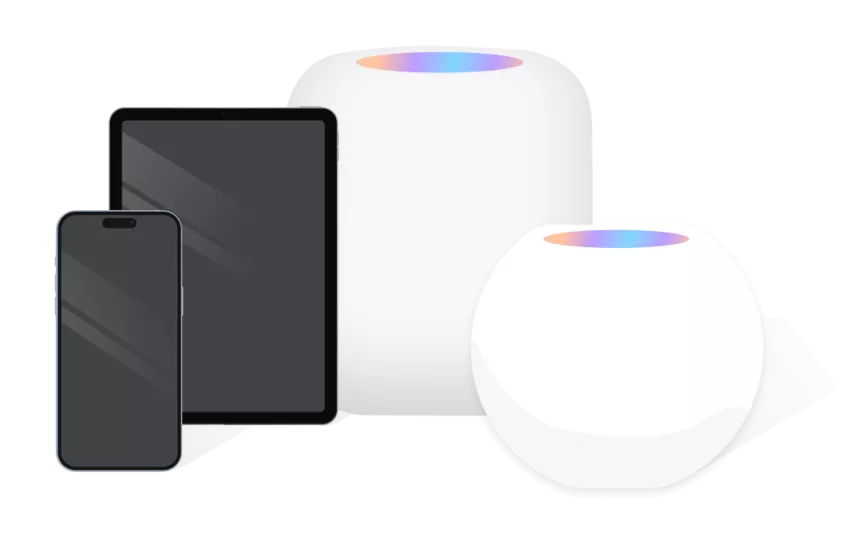
Make sure a Thread Border Router capable Home Hub like a HomePod (2nd gen.), HomePod mini or Apple TV 4K (2nd gen. / 3rd gen. 128 GB) is connected to your network, updated to version 17 (or later).
Update HomePod mini by choosing Home Settings > Software Update in Apple Home. On Apple TV, choose Settings > System > Software Updates and select Update Software.
Upgrading the firmware on Eve Motionblinds to Matter requires an iPhone or iPad running iOS/iPadOS 17 (or later). Go to Settings > General > Software Update to make sure your iPhone or iPad is up to date.
2. Migrate from HomeKit to Matter
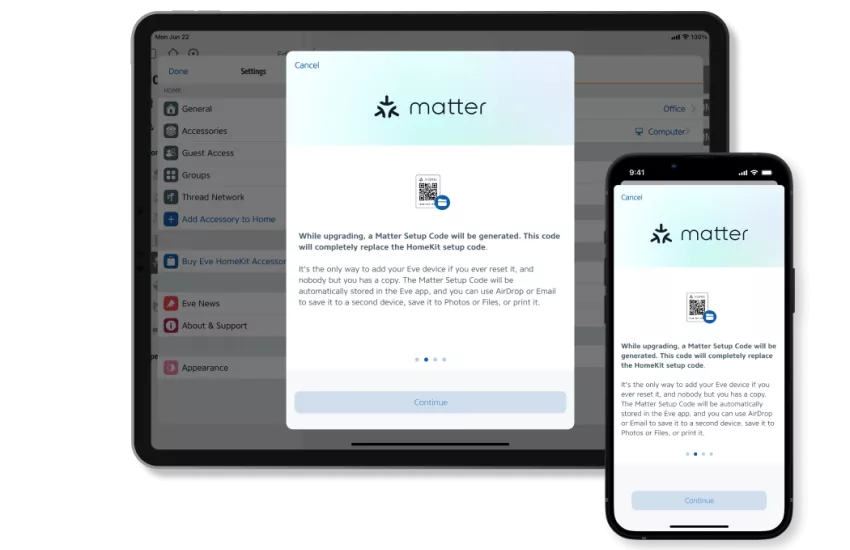
Open the Eve app, go to Settings > Accessories and tap the Eve Motionblinds you would like to upgrade. Tap Upgrade to Matter. The Eve app will guide you through the upgrade and data migration processes.
The overall process will take approximately 10 minutes to complete. Make sure to let the migration finish and be sure the battery of your Eve Motionblinds motor is not low before you start.
While upgrading, a Matter Setup Code will be generated. This code will completely replace the HomeKit setup code. It's the only way to add your Eve Motionblinds if you ever reset it, and nobody but you has a copy. The Matter Setup Code will be automatically stored in the Eve app, and you can use AirDrop or Email to save it to a second device, save it to Photos or Files, or print it.
3. What to look forward to
Works with Apple Home
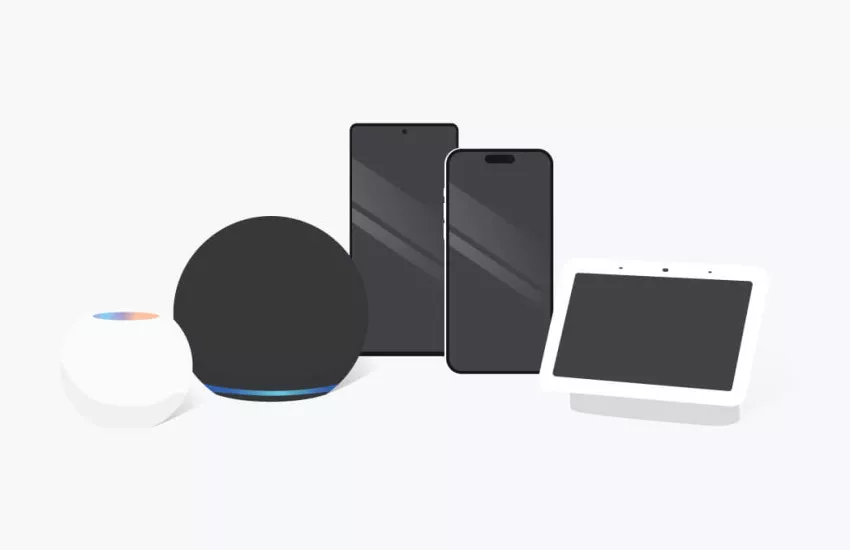
Control your Eve Motionblinds using Siri, Apple Home and Eve – as you were used to. If your household uses Apple devices exclusively, upgrading to Matter is optional.
Works with SmartThings
Use the SmartThings app on your Android phone or iPhone to control your Eve Motionblinds. Requires Matter Controller from SmartThings. More info >
Works with Google Home
Access Eve Motionblinds using your voice with Google Assistant or the Google Home app on your Android phone. Requires Matter Controller from Google. More info >
Works with Alexa
Access Eve Motionblinds using your voice with Amazon Alexa or the Alexa app on your Android phone. More info >
Good to know
After migration to Matter, I cannot add my Eve Motionblinds any more.
If re-adding the Eve Motionblinds via Matter after the firmware upgrade does not succeed, please reset it. After the reset, try adding it again and make sure you’re using the correct Matter Setup Code provided to you at the beginning of the upgrade process. Note: iCloud and iCloud Keychain are required to add Matter devices to Apple Home. Make sure they are turned on in your iPhone’s settings.
How can I see if the upgrade process succeeded?
To check if your Eve Motionblinds has been upgraded successfully, go to Settings > Accessories > your device > Details > Compatibility – this will indicate whether your device has been upgraded to Matter.
My Eve Motionblinds appear as "not responding" after a while, what to do?
Please make sure you have updated your iPhone and home hub to software version 17. If the issue persists, restarting your home hub may improve reliability.
I don't have an iPhone or iPad. How do I upgrade my Eve Motionblinds?
In order to update Eve Motionblinds from HomeKit to Matter, you have to use the Eve app for HomeKit. Once Eve Motionblinds has been upgraded to Matter, you can grant every family member local and direct access to it – no matter which voice assistant or app they prefer.
Which apps can I use to upgrade to Matter?
Eve Motionblinds that are compatible to HomeKit only require the Eve app running on an iOS device to apply firmware updates.
Why are HomePod (2nd gen.), HomePod mini or Apple TV 4K (2nd gen. / 3rd gen. 128 GB) required?
Every platform in a Matter smart home needs its own Matter controller. In Apple Home, HomePod (2nd gen.), HomePod mini or Apple TV 4K (2nd gen. / 3rd gen. 128 GB) qualify as Matter controllers. They also act as Thread Border Routers, connecting Eve Motionblinds to your home network.
Will my existing, non-Matter Eve Motionblinds motor receive a Matter upgrade, and if so, when?
The entire lineup of Thread-enabled Eve Motionblinds motors will receive free Matter firmware updates over time. We don't have a timeline and order to share at this time.
When using Apple Home – can I combine Matter and HomeKit-enabled accessories in an automation or scene?
Yes, you can. For automations, Apple Home makes no difference whether your devices were added to your home through HomeKit or Matter
How do I add a secondary Matter platform?
Once you have updated your Eve Motionblinds to Matter, open Apple Home, press and hold the tile of your blind and choose Accessory Details. Tap the gear icon in the lower right corner. Tap Turn on Pairing Mode. Wait for Apple Home to display the Setup Code and use it on your secondary platform to connect your device. For the secondary platform, a compatible Matter controller of that platform will be required.
Who should upgrade to Matter?
Upgrading to Matter is worthwhile if you want to control Eve Motionblinds from an additional platform. This requires a Matter controller of this platform. If your household uses Apple devices exclusively, upgrading to Matter is optional, and your Eve Motionblinds' feature set or performance will remain unchanged.
Is there a disadvantage upgrading to Matter?
Currently, iPhone users can upgrade selected Eve Motionblinds motors to Matter using the Eve app. Eve-specific, custom functionality will be preserved. Please note that once you've upgraded Eve Motionblinds to Matter, you can't migrate it back to HomeKit, and it will no longer support Bluetooth.
Can I use Eve specific, custom functionality like programming end limits for blinds on all platforms?
Features like programming end limits for blinds and on-device schedules are unique to Eve and are currently not supported by all platforms. While iPhone and iPad users will keep those features when upgrading, they may not be supported from the start on other platforms. Nevertheless, end limits for blinds can be easily programmed using the program buttons on the motor itself.