SmartThings
Works with Motionblinds

Motionblinds works with Samsung SmartThings
Samsung SmartThings makes it easy to control Motionblinds smart blinds and smart shades from the SmartThings app or through compatible smart home devices. With automated shading, voice control, and smart routines, your motorized window coverings bring comfort, privacy, and energy efficiency to your home with simple, connected automation.
Motionblinds is a smart motorized window covering system developed by Coulisse that works with all leading smart home platforms and building management systems — discover them all here.
What is Samsung SmartThings?
Samsung SmartThings is a connected smart home platform that brings together lighting, blinds, sensors, appliances, and other devices into one app. It supports Matter, Thread, Wi‑Fi, and cloud integrations, making it easy to automate routines, monitor device status, and create room‑based control. SmartThings helps your smart blinds fit naturally into an organized and automated home ecosystem.
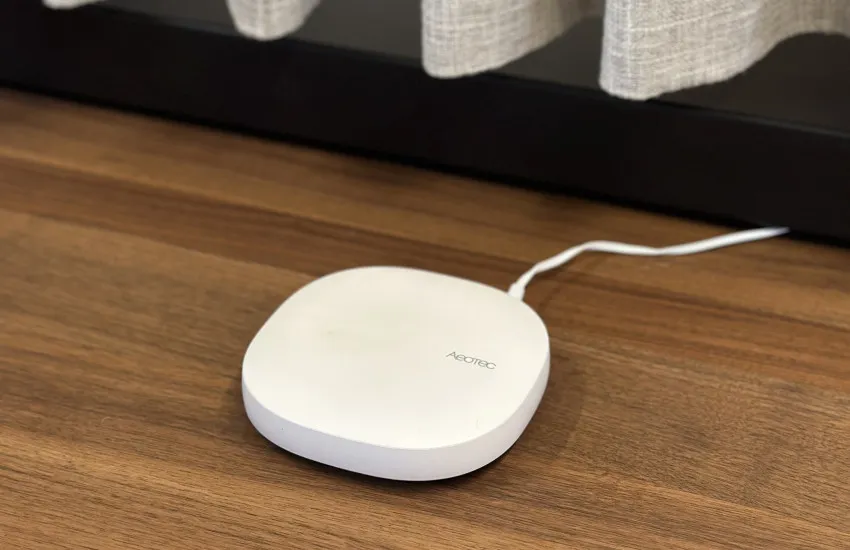
Matter and Thread motors
Eve Motionblinds motors with built‑in Matter and Thread connect directly to Samsung SmartThings using Thread border routers such as the SmartThings Hub and SmartThings Station. No Motionblinds bridge is required. SmartThings communicates locally over the Thread network, giving you fast, secure, and reliable control of your smart blinds.
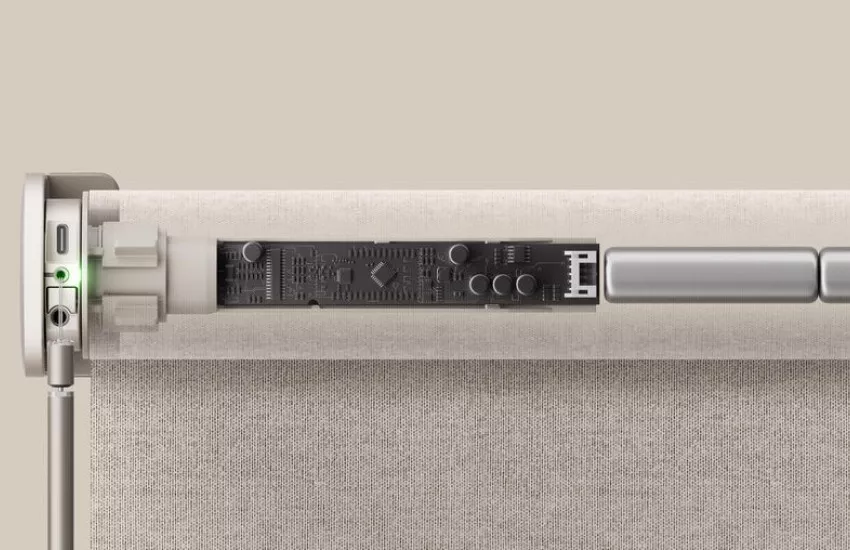
Matter and Wi‑Fi bridges
Motionblinds motors using Bluetooth or 433MHz can connect to Google Home through Motionblinds Matter Bridges (CM-55). Setup is quick with QR‑code scanning and requires no account or registration. The bridges work fully offline, so your blinds stay responsive even without an internet connection. The Motionblinds app makes onboarding simple and dependable.
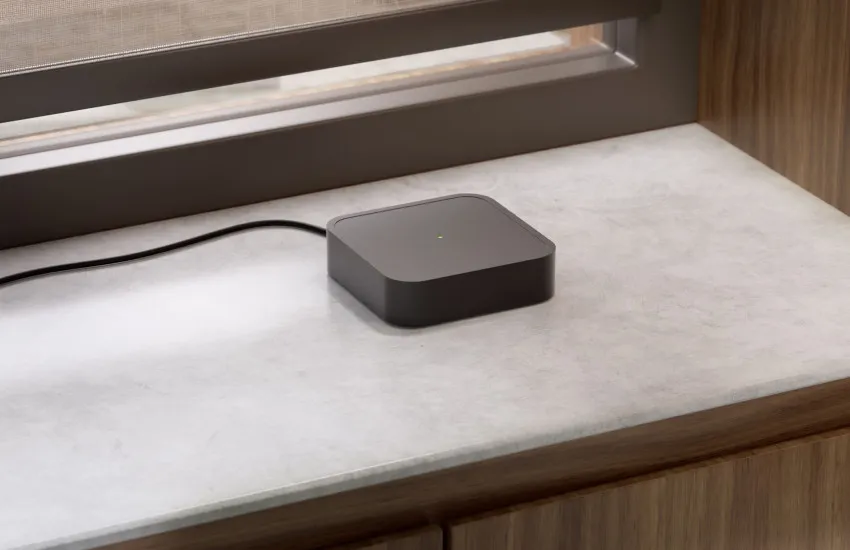
Cloud connection and Wi‑Fi bridges
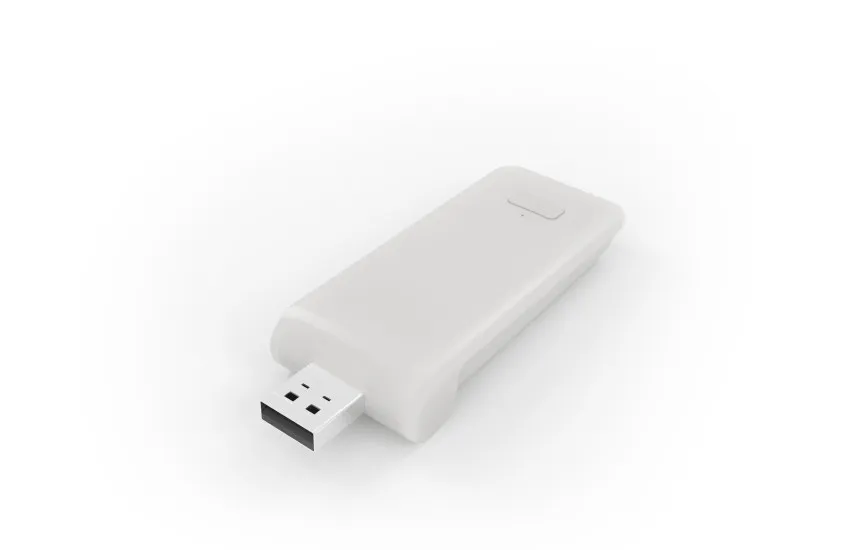
Motionblinds motors with built‑in 433MHz technology can connect to Motionblinds Wi‑Fi bridges (CMD-01 and CM-20) for SmartThings control. After linking Motionblinds in the SmartThings app, your blinds communicate through a secure cloud‑to‑cloud connection. This enables older Motionblinds motors to be controlled with Samsung SmartThings.
SmartThings - Frequently asked questions
Eve Motionblinds motors with Matter and Thread built-in can be added directly by scanning the Matter setup code in the SmartThings app. Bluetooth and 433MHz motors require either a Motionblinds Matter Bridge or a Wi‑Fi bridge. After pairing, blinds appear in the SmartThings interface and can be assigned to rooms.
This can happen if the motor is not in pairing mode, the QR code was not scanned properly, or your Thread/Wi‑Fi network is offline. Restarting the motor, SmartThings Hub, or Wi‑Fi bridge usually resolves the issue. Still need help? Try the Motionblinds support chatbot for quick guidance and troubleshooting.
Matter and Thread enabled Eve Motionblinds do not require a Motionblinds bridge but do need a Thread border router such as a SmartThings Hub. Bluetooth and 433MHz motors require either the Motionblinds Matter Bridge or Motionblinds Wi‑Fi bridge for integration.
Check whether the SmartThings Hub or Wi‑Fi bridge is online, ensure the motor is within range, and refresh the device list in the SmartThings app. Resetting the motor or hub can restore stable connectivity. Still need help? Try the Motionblinds support chatbot for quick guidance and troubleshooting.
Yes. SmartThings supports time‑based routines, sunrise/sunset triggers, sensor‑based automations, and room‑level routines. Motionblinds can be included in multiple SmartThings routines for smooth daily operation.
Yes. You can group blinds by room in the SmartThings app or include several blinds in the same routine for synchronized control.
Yes. Eve Motionblinds support Matter and Thread natively. Other Motionblinds motors can connect through a Motionblinds Matter Bridge.
SmartThings displays device information such as battery level and online/offline status for supported integrations. You can monitor battery status directly in the SmartThings device tile.
