IFTTT
Works with MotionBlinds.

Motionblinds works with IFTTT
IFTTT makes it easy to connect Motionblinds smart blinds and smart shades with thousands of other apps, services, and smart home devices. With custom applets and automations, Motionblinds can react to weather, sensors, schedules, and events, bringing comfort, privacy, and energy efficiency to your home through automated shading.
Motionblinds is a smart motorized window covering system developed by Coulisse that works with all leading smart home platforms and building management systems — discover them all here.
What is IFTTT?
IFTTT (If This Then That) is an automation platform that connects services and devices to create simple applets based on triggers and actions. It allows Motionblinds to integrate with weather services, calendars, smart sensors, lighting systems, smart assistants, and more. With IFTTT, you can build personalized automations that combine Motionblinds with a wide range of smart home tools.
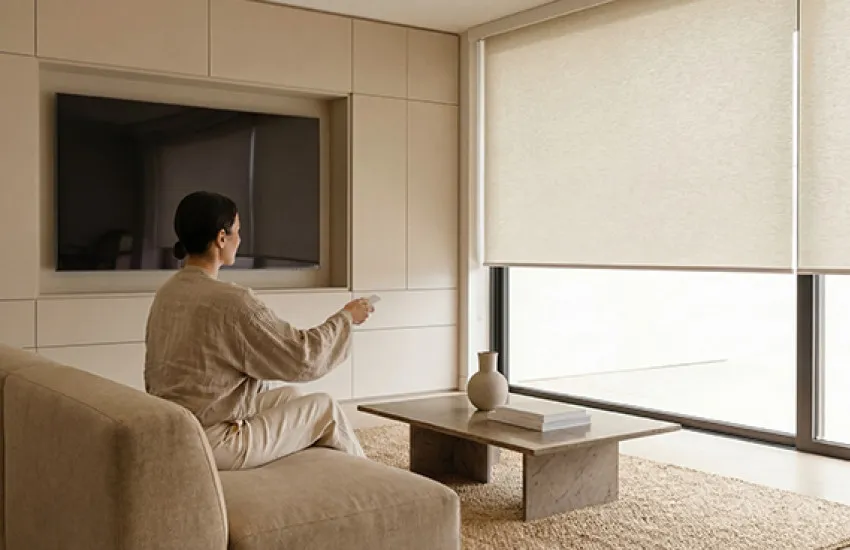
Cloud connection and Wi-Fi bridges
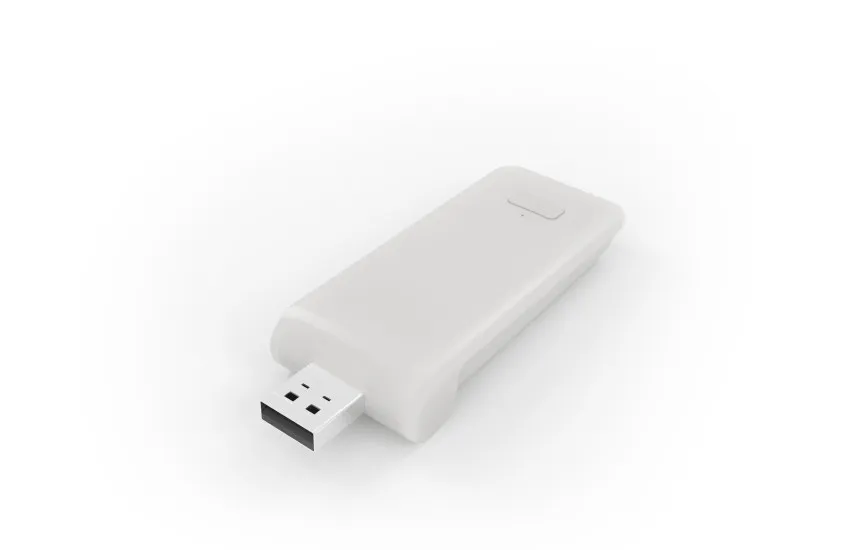
Motionblinds motors with built-in 433MHz technology can be connected to Motionblinds Wi-Fi bridges (CMD-01 and CM-20) to work with IFTTT. After connecting Motionblinds to IFTTT, your blinds can be controlled through a secure cloud-to-cloud integration. This makes it easy to automate blinds using IFTTT triggers such as weather, sunrise and sunset, motion, schedules, or other smart home events.
IFTTT
Motionblinds connects to IFTTT through a Wi-Fi bridge. In the IFTTT app, search for the 'service' that is called Connector. Once connected, you can start creating applets with Motionblinds triggers and actions.
IFTTT supports triggers such as scheduledtimes, weatherconditions, andconnected sensor events. Actionsinclude opening blinds, closing blinds , and setting blindsto a specificposition percentage . Youcanuse these incustom or prebuiltapplets.
Yes. Youcanautomate blinds based on outdoortemperature, light level, rainforecasts, motion sensors, doorcontacts, orother smart home servicesavailable on IFTTT. Thisallowscreativeautomationssuch as closing blinds whenitgetstoo hot .
Choose "Create" in the IFTTT app, pick a trigger (the "If This" event), select Motionblinds as the action ("Then That"), and choose open, close, or a specific blind position. You can then assign the applet to one or more blinds.
Check whether your Motionblinds Wi-Fi bridge is online and connected to the internet. Ensure that your IFTTT subscription (if required) is active, and reauthorize Motionblinds in the IFTTT app if triggers are not firing. Restarting the bridge often resolves issues. Still need help? Try the Motionblinds support chatbot for quick guidance and troubleshooting.
Yes, cloud-to-cloud platforms like IFTTT may introduce a short delay depending on internet speed and service load. Most actions complete within a few seconds but are not instantaneous like local control systems.
Yes. Youcanassign multiple blindsorgroupstothesame action ifall blinds arelinkedtoyour Motionblinds account. Thisallowsappletsthat move several blinds togetherbased on one trigger .
Yes. By combining voice assistants with IFTTT, you can trigger Motionblinds automations using voice commands. However, direct voice control is typically faster through the native platforms rather than IFTTT.
IFTTTunlockscustomautomationsnotavailable in other platforms , such as connecting blinds toweather services , emails, calendars, orthird-partysensors. Itexpandswhat Motionblinds can do andallowsadvanced smart home routines.
