Home Assistant
Motionblinds works with Home Assistant.
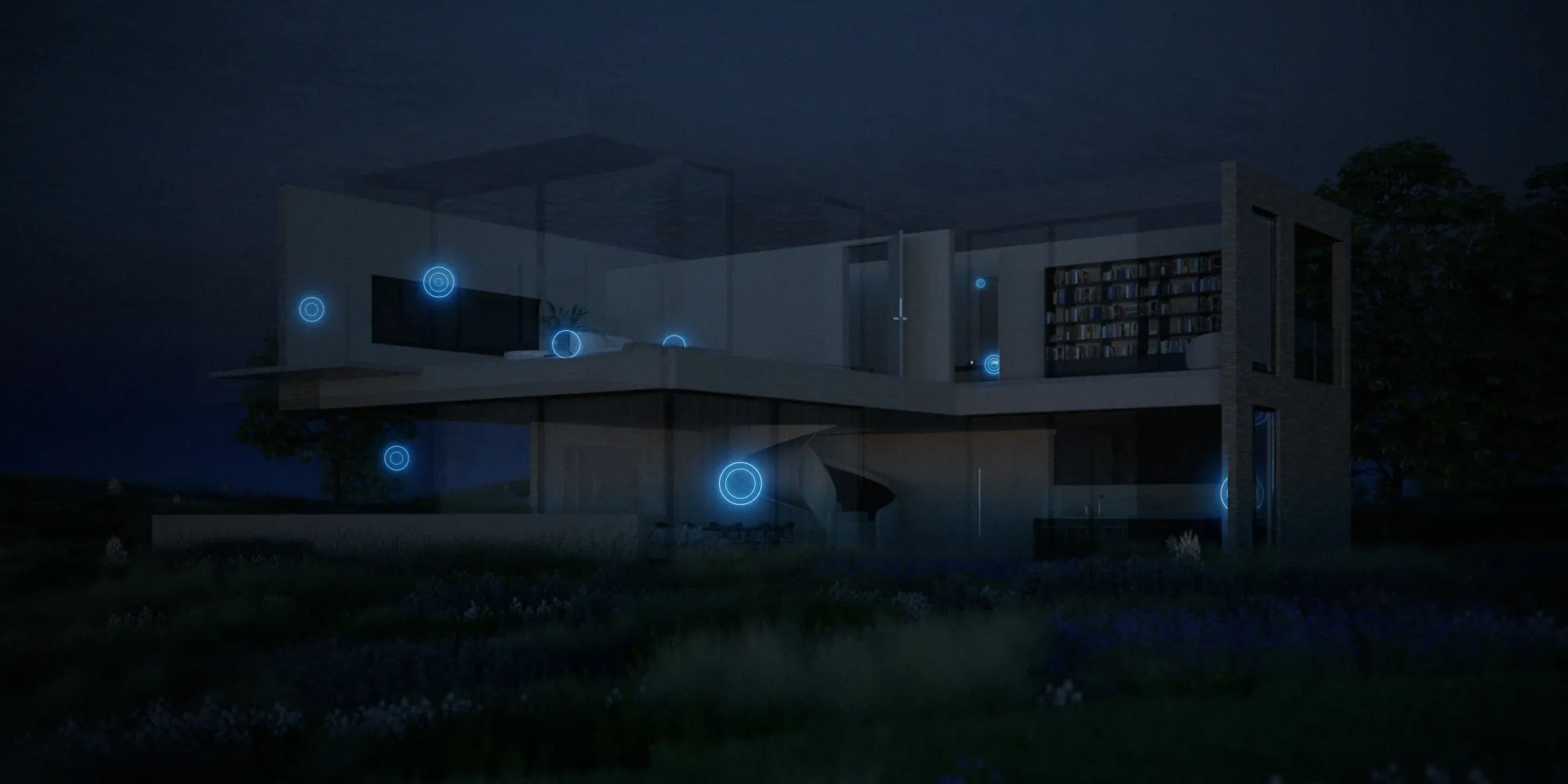
With Motionblinds H ome A ssistant integration, you can ma nage blinds with ease. Open them with the sunrise, close them for privacy in the evening, or set schedules that suit your lifestyle. Controlled through the Home Assistant app, your smart window coverings add comfort, energy savings, and security – all from one platform.
Motionblinds is a smart motorized window covering system developed by Coulisse that works with all leading smart home platforms and building management systems — discover them all here.
What is Home Assistant?
Home Assistant is an open-source home automation platform developed and maintained by Nabu Casa. It runs locally on your own hardware — such as a Raspberry Pi, Home Assistant Green, or Home Assistant Yellow — and keeps all data on your local network. Your automations continue to work without an active internet connection.
Home Assistant supports over 3,000 official integrations, covering smart lighting, climate control, security systems, energy monitoring, and motorized window coverings. Automations can respond to sensors, time schedules, sunrise and sunset, and events from connected devices — all configured through the Home Assistant interface or the Home Assistant app for iOS and Android.
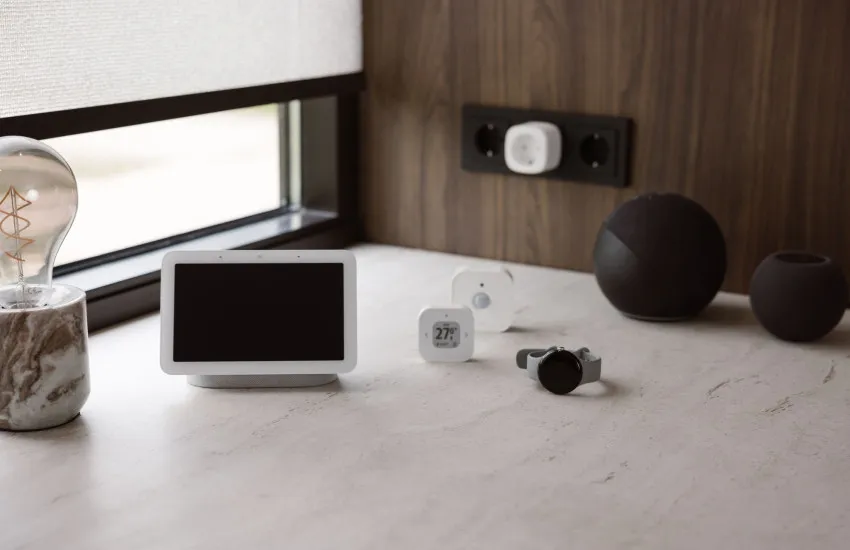
Home Assistant supports the Matter standard natively and can act as a Thread Border Router using the Home Assistant Connect ZBT-2 USB stick or compatible hubs such as the Apple HomePod mini or Google Nest Hub (2nd Gen). This allows Matter over Thread devices — including Eve Motionblinds motors — to connect directly to Home Assistant without a separate bridge.
Matter and Thread motors
Eve Motionblinds motors with built-in Matter and Thread connect directly to Home Assistant via Thread border routers such as Home Assistant Connect ZBT-2, Google Nest Hub (2nd Gen), and Apple HomePod mini. No Motionblinds bridge is needed. Home Assistant communicates over the Thread network, giving you fast, local control of your blinds.
Matter and Wi-Fi bridges
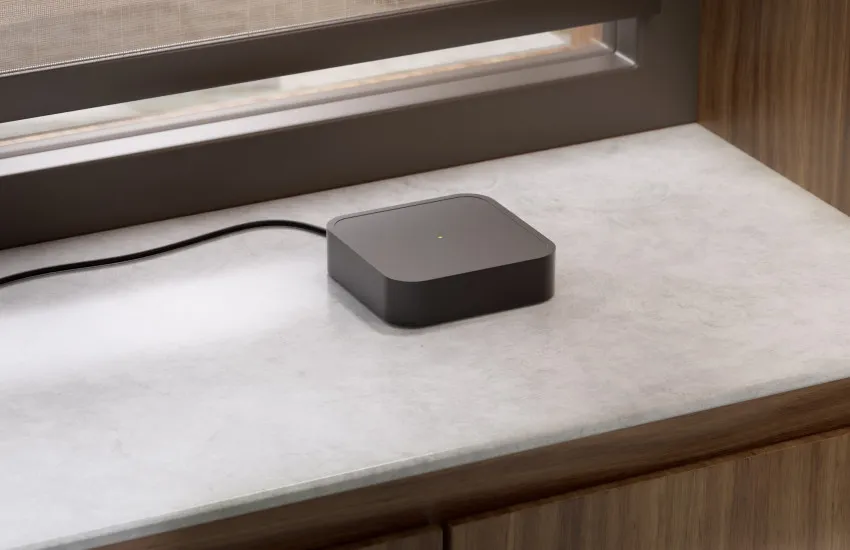
Motors using Bluetooth and 433MHz can connect to Home Assistant through Motionblinds Matter bridges (CM-55). Setup of the bridges is quick with QR code scanning, no account or registration required. The bridges work fully offline, so your blinds remain responsive even without internet. With the Motionblinds Matter Bridge app, integration is simple and reliable.
Local API and Wi-Fi bridges
The official Home Assistant Motionblinds integration also supports Motionblinds Wi-Fi bridges (CMD-01 and CM-20). Install the integration, link your bridge, and you can automate blinds directly in the app. From there, your smart blinds can follow daily schedules, respond to sensors, or be grouped with lighting and climate control for complete smart home routines.
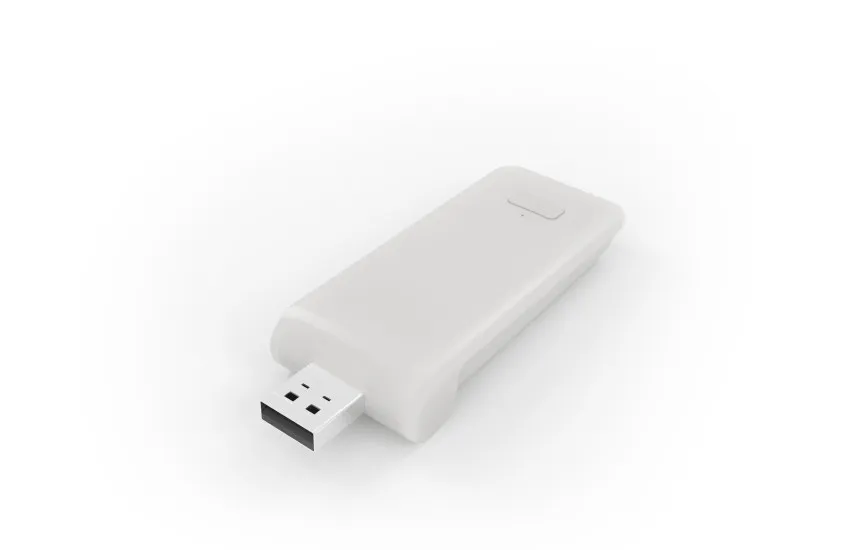
Bluetooth motors
The Bluetooth integration lets Home Assistant talk directly to Motionblinds motors using Bluetooth sticks or proxies – no bridge required. It’s a simple option for smaller setups or single rooms. Once paired, your Home Assistant blinds can be controlled in the app or by voice through connected assistants, giving you easy, hands-free management of your smart window coverings.

Home Assistant – Frequently asked questions
This varies depending on the type of integration. Select your integration for more details:
Wi-Fi Bridge --> https://www.home-assistant.io/integrations/motion_blinds/
The Local API and Bluetooth integrations can be detected automatically when the network has been setup correctly. Other integrations need to be added manually using the integration flow.
Wi-Fi Bridge --> https://www.home-assistant.io/integrations/motion_blinds/
You’ll find the API key in the Motionblinds app. Choose S ettings > About Motionblinds > Tap the logo at the top 5 times quickly. The API key will appear now.
Yes, Motionblinds motors with Matter and Thread built-in and Bluetooth motors can connect directly with no bridge required.
Change the direction of rotation on your motor or r ecalibrate your blinds and resync them in Home Assistant. Need assistance? Please ask the Motionbli nds chatbot on the Motionblinds support page.
Create a group in the dashboard or add multiple blinds to the same automation.
Set automations in Home Assistant based on sunrise/sunset triggers, time schedules, or linked sensors.
Yes, Motionblinds can be combined with lighting, heating, and other devices for whole-home control.
Yes, with Matter, local API, and Bluetooth, Motionblin ds continue to work offline.
Matter is the latest universal interoperability standard for smart devices. Wi-Fi bridges require an API key.
Yes. Depending on the integration type, you’ll see updates such as battery percentage and blind position.
You’ll need to re-pair the devices with the new bridge, but once connected they function the same way.
