Home Assistant
Motionblinds 可与 Home Assistant 配合使用。
通过 集成MotionblindsHome Assistant ,您可以 轻松 管理 百叶窗。日出时打开百叶窗,傍晚时关闭百叶窗以保护隐私,或者设置适合您生活方式的时间表。通过 Home Assistant 应用程序 进行控制 ,您的 智能室内遮阳帘将 为您 带来舒适居家、高效节能和安全保障 -- 一切尽 在同一平台。
What is Home Assistant?
Home Assistant is an open-source home automation platform developed and maintained by Nabu Casa. It runs locally on your own hardware — such as a Raspberry Pi, Home Assistant Green, or Home Assistant Yellow — and keeps all data on your local network. Your automations continue to work without an active internet connection.
Home Assistant supports over 3,000 official integrations, covering smart lighting, climate control, security systems, energy monitoring, and motorized window coverings. Automations can respond to sensors, time schedules, sunrise and sunset, and events from connected devices — all configured through the Home Assistant interface or the Home Assistant app for iOS and Android.
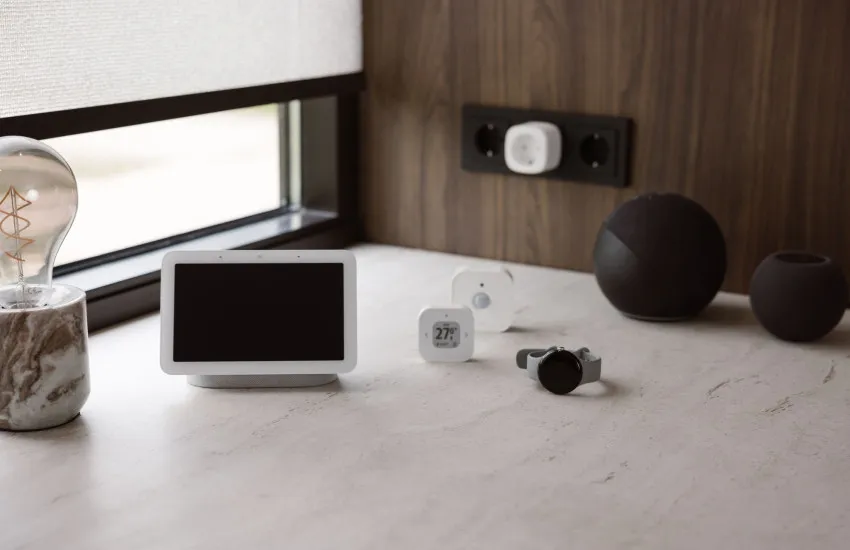
Home Assistant supports the Matter standard natively and can act as a Thread Border Router using the Home Assistant Connect ZBT-2 USB stick or compatible hubs such as the Apple HomePod mini or Google Nest Hub (2nd Gen). This allows Matter over Thread devices — including Eve Motionblinds motors — to connect directly to Home Assistant without a separate bridge.

Matter 和 Thread 电机
Eve Motionblinds 电机内置 Matter 和 Thread, 可通过 Thread 边界路由器 直接连接到 Home Assistant, 如 Home Assistant Connect ZBT-2、 Google Nest Hub(第二代) 和 Apple HomePod mini。无需 Motionblinds 桥接器。Home Assistant 通过 Thread 网络进行通信,让您快速实现对百叶帘的本地控制。
蓝牙电机
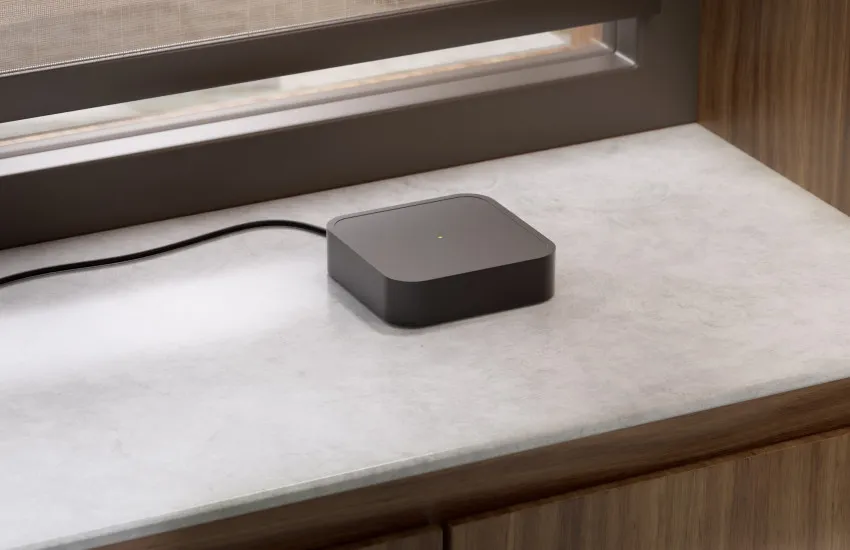
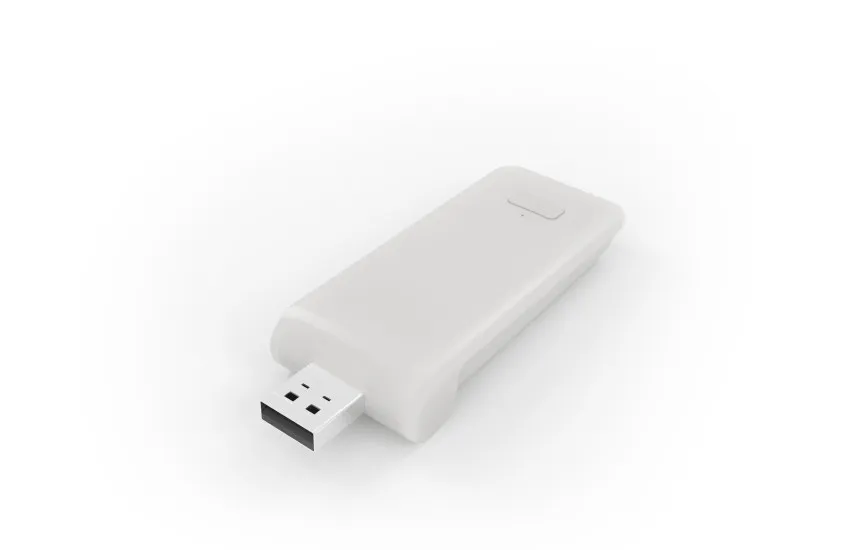
通过蓝牙集成, Home Assistant可以 使用蓝牙棒或代理 与 Motionblinds 电机 直接对话 , 无需 桥接 。 对于较小的设置或单间房间来说 ,这是 一个简单的 选择 。一旦配对成功,您的 Home Assistant 百叶窗帘 就可以在应用程序中进行控制,或通过连接的助手进行语音控制,让您轻松免提地管理您的 智能室内遮阳。
Home Assistant - 常见问题
这取决于集成的类型。请选择您的集成,了解更多详情 :
Matter--> https://www.home-assistant.io/integrations/motionblinds_matter/
Wi-Fi桥接器 --> https://www.home-assistant.io/integrations/motion_blinds/
如果网络设置正确,本地 API 和蓝牙集成可以自动检测到。 其他 集成 需要使用集成流程手动添加 。
Matter --> https://www.home-assistant.io/integrations/motionblinds_matter/
Wi-Fi桥接器--> https://www.home-assistant.io/integrations/motion_blinds/
您可以 在 Motionblinds 应用程序 中找到 API 密钥 。选择 设置 > 关于 Motionblinds > 快速点击顶部的徽标 5 次。 此时 API 密钥就会出现 。
是的, 内置 Matter 和 Thread 的 Motionblinds 电机和 蓝牙 电机 可以直接连接, 无需桥接 。
在 Home Assistant 中更改电机旋转方向 或重新校准百叶帘并重新同步。 需要 帮助?请咨询 Motionblinds支持页面 上 的 Motionblinds 聊天机器人 。
在仪表板中创建一个组,或将多个百叶窗添加到同一个自动化中 。
根据 日出/日落触发器、时间计划或链接的传感器,在 Home Assistant中设置自动操作 。
是的, Motionblinds 可以与照明、取暖和其他设备结合使用,实现全屋控制。
是的,通过 Matter、 本地 API 和蓝牙, Motionblinds 可以继续离线工作。
Matter 是最新的智能 设备通用互操作性标准 。Wi-Fi桥接器需要API密钥。
可以。根据集成类型, 您将 看到电池百分比和窗帘类型 等更新。
您 需要用新的 桥接器 重新配对设备 ,但 一旦连接后,它们的功能是一样的 。
